The language selector
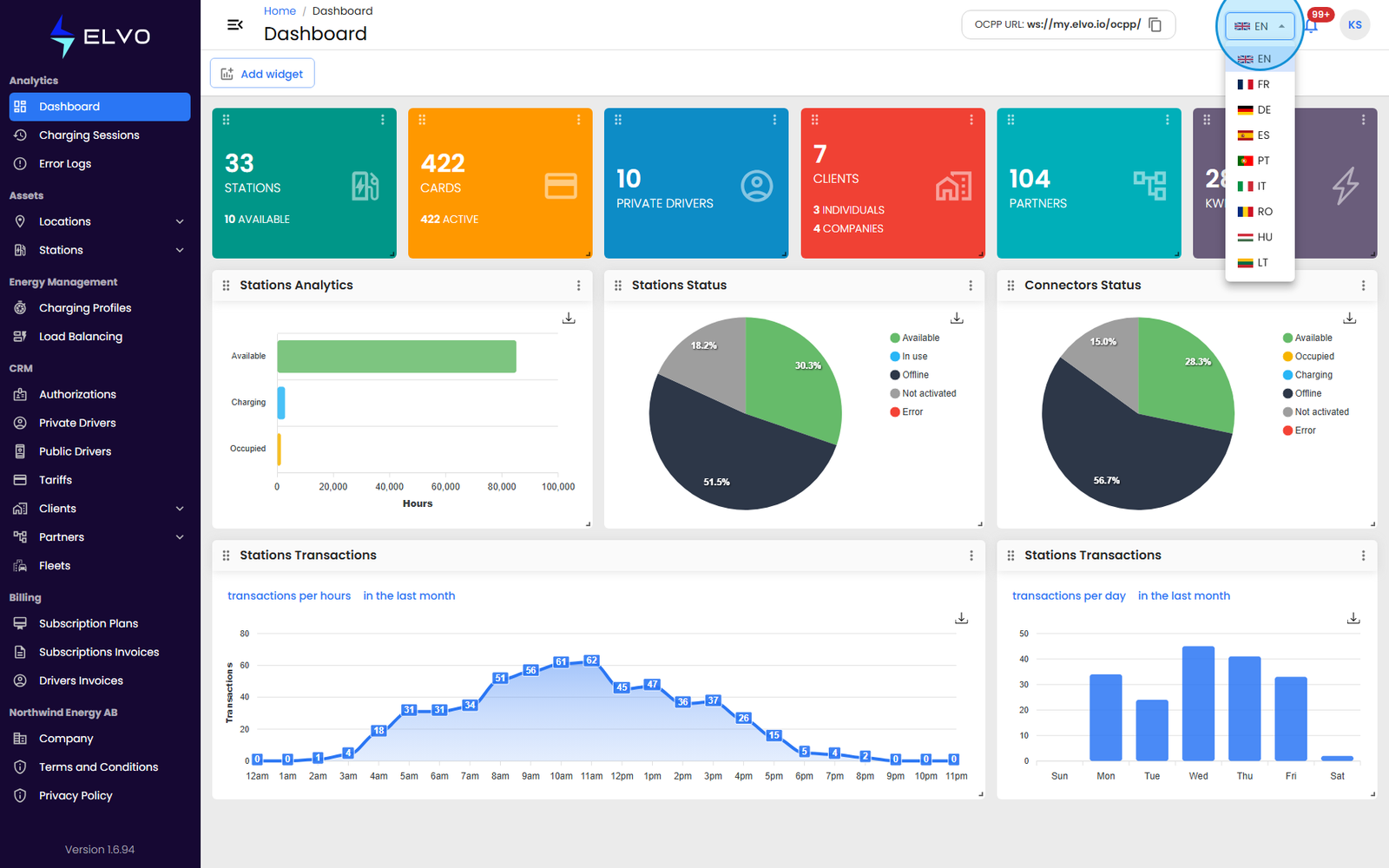
A language selector sits in the header, next to the notification bell (see section 19.3 for the full header layout). Click it to open a dropdown listing the platform’s 9 supported languages, each shown with a flag icon. The same selector also appears on the login page, so you can choose a language before signing in.
Supported languages
The platform supports 9 languages. The selector lists them as two-letter codes with a flag icon, in this order:
- EN — English (default)
- FR — French
- DE — German
- ES — Spanish
- PT — Portuguese
- IT — Italian
- RO — Romanian
- HU — Hungarian
- LT — Lithuanian
Changing your language
- Click the language selector in the header.
- Select a language from the list.
Selecting a language reloads the page immediately. Save or submit any open form first — the reload discards unsaved changes.
Persistence and defaults
Your language choice is stored in your browser, so it applies the next time you sign in on the same device but does not carry over automatically to a different browser or device. If you have not chosen a language before, the platform displays in English by default.
Dates and table formatting in some languages
If you select Portuguese, Hungarian, or Lithuanian, most interface text is translated, but date pickers, data-table headers, and formatted dates continue to display in English.