Table columns
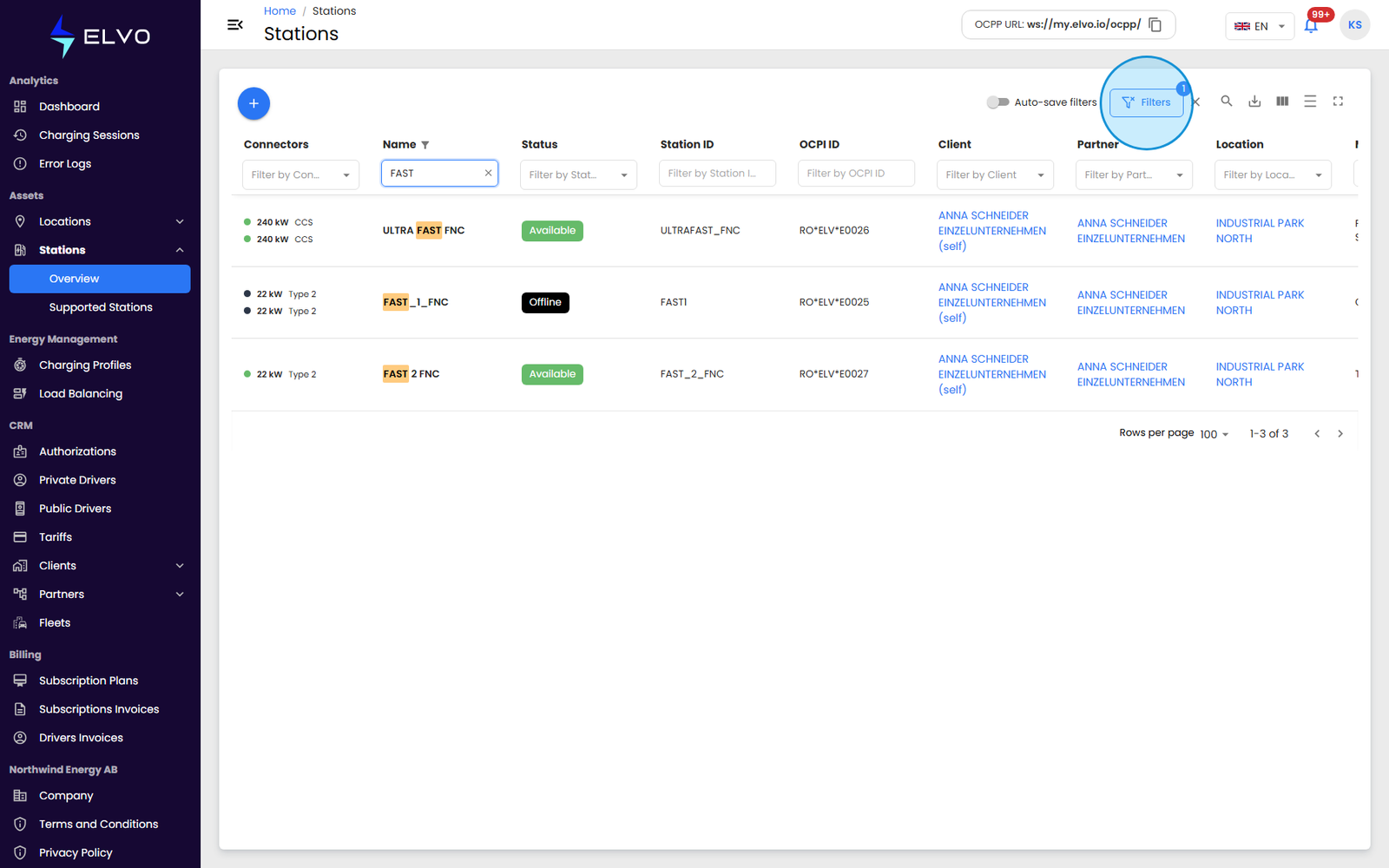
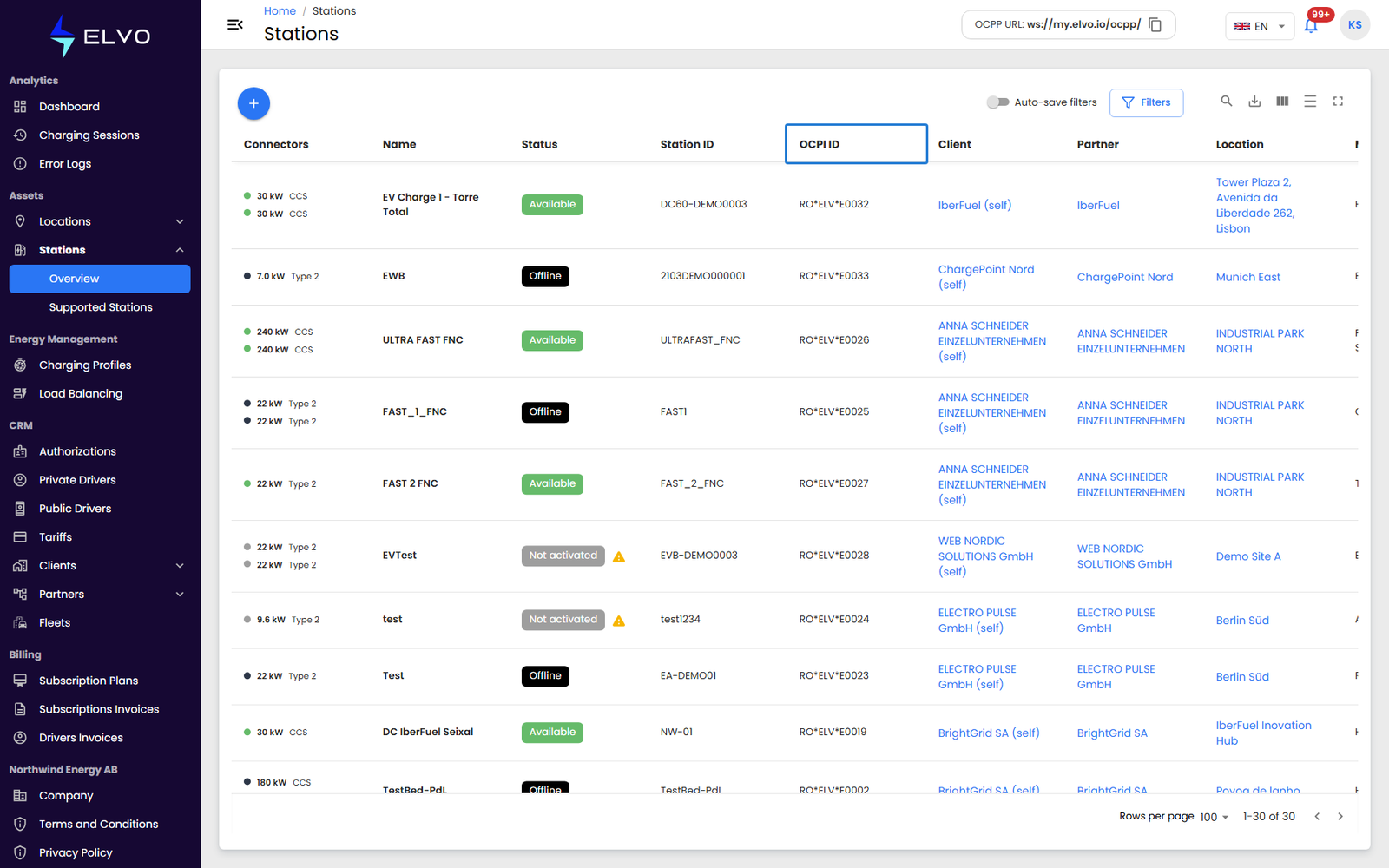
The stations list shows one row per station, with these columns in order:
| Column | Shows |
|---|---|
| Connectors | Each connector’s power and type, with a status dot |
| Name | The name given to the station |
| Status | The station’s current status — for example Available, Offline, or Not activated |
| Station ID | The station’s unique identifier |
| OCPI ID | The station’s OCPI identifier (see below) |
| Client | The owning Client |
| Partner | The owning Partner |
| Location | The station’s assigned location |
| Model | The station’s hardware model |
OCPI ID column
The OCPI ID column shows the station’s OCPI identifier, in the format
RO*ELV*E0001 (country code * party ID * station number). OCPI is the
roaming protocol that lets partner e-mobility apps reach Elvo’s charging
network. A station without an OCPI ID yet shows an em dash (—) instead.
Like the other columns, OCPI ID is filterable and sortable.
Sorting
Click a column header to sort the list by that column. Click again to reverse the order, and a third click clears the sort.
Filtering and search
Use the search bar above the table to search across the list (matches are case-insensitive), or use an individual column’s filter to narrow the list to matching rows.