Default behavior
By default, a station accepts every card type available to its client — there is no restriction. In the station’s Settings tab, the Supported cards section shows this state and lets you limit which specific cards can start a session at this station.
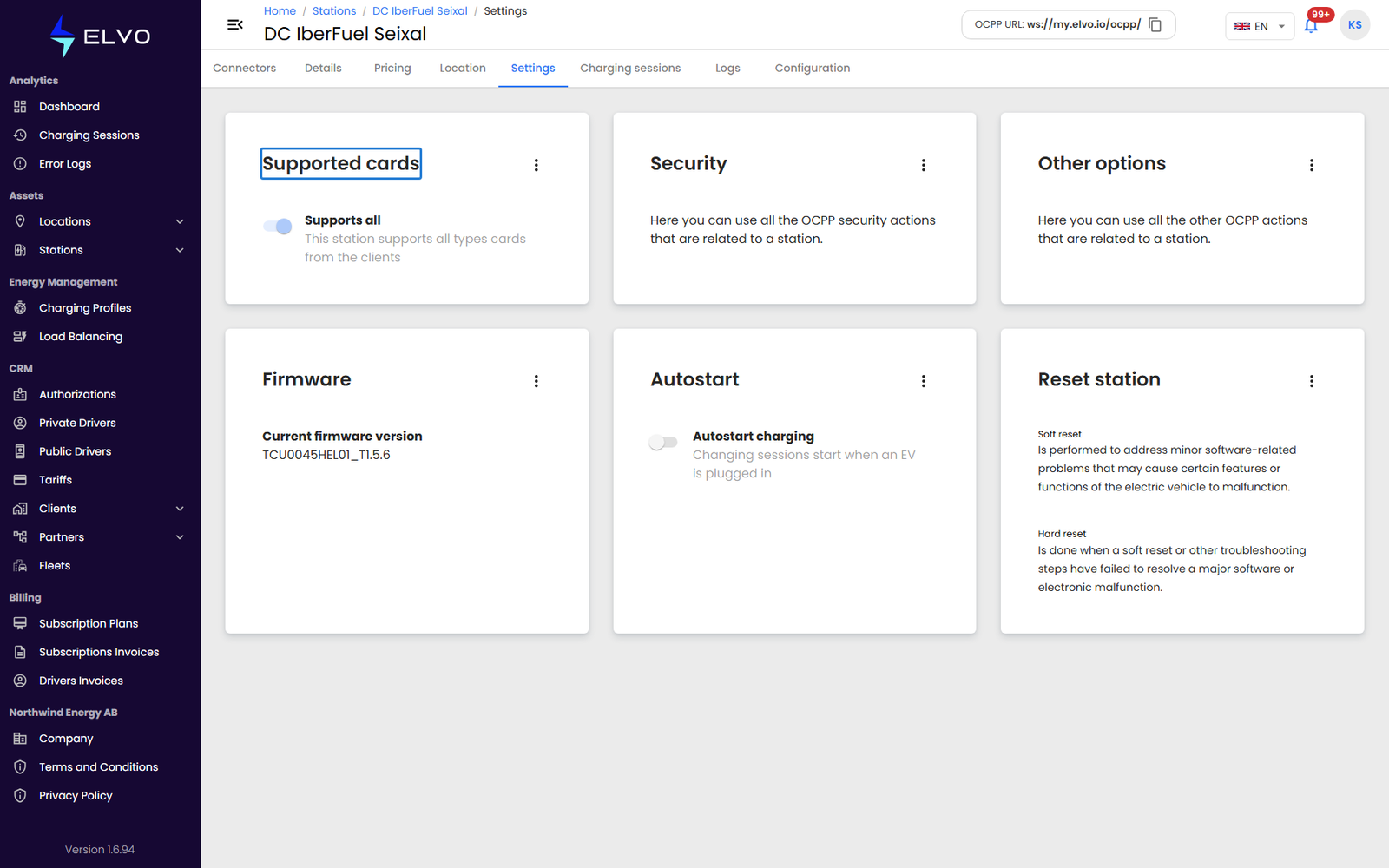
Restricting access
Click the edit option to open the supported-cards form. Turn off Supports all (“this station supports all types cards from the clients”) to reveal the client’s card list, then select only the cards that should be allowed to charge here. Click Save.
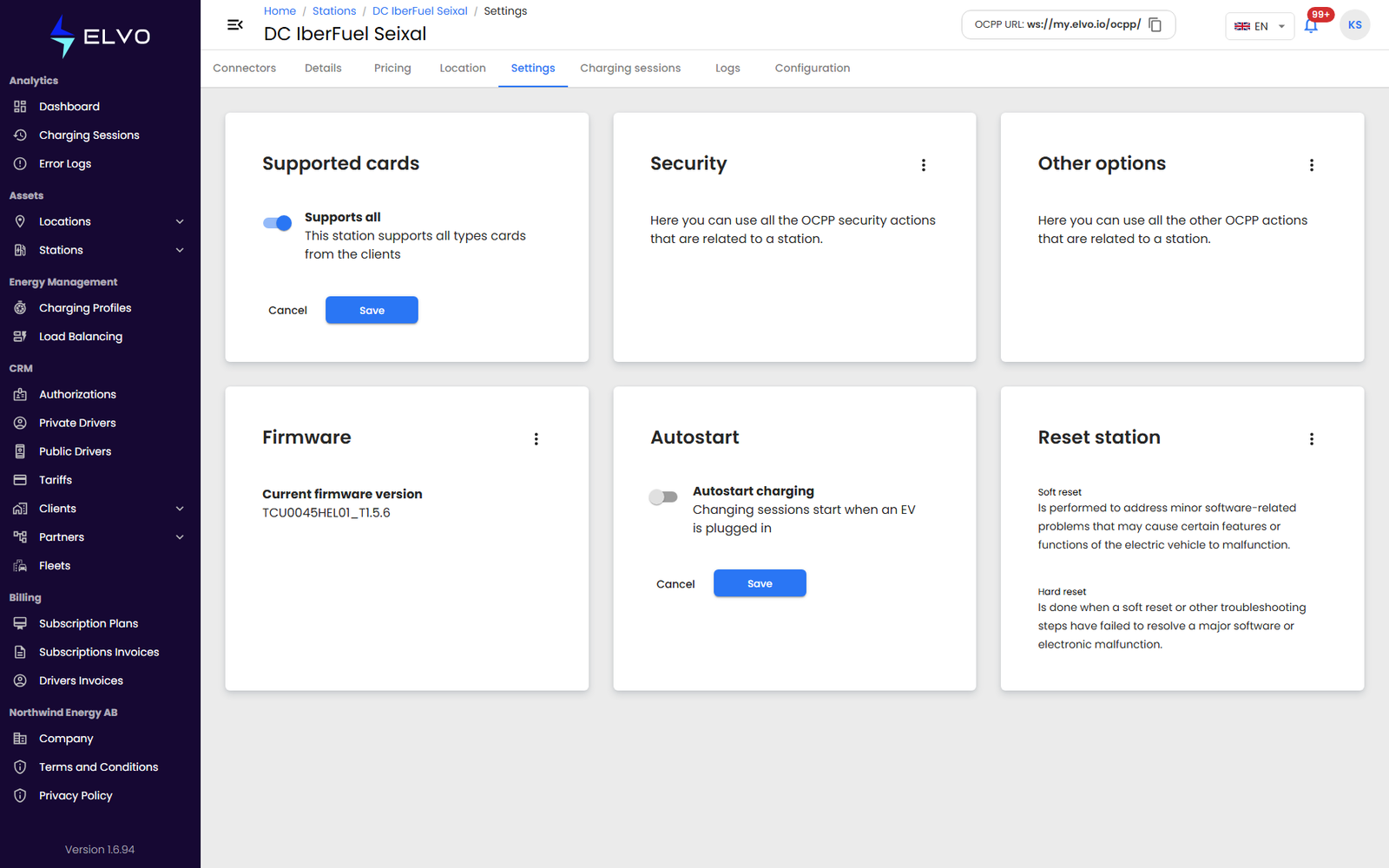
To reopen the station to every card, turn Supports all back on. If the station is offline when you save, the change fails and an error message explains why. Card creation and management happen in Authorizations / RFID Cards, not here (see Part 10).