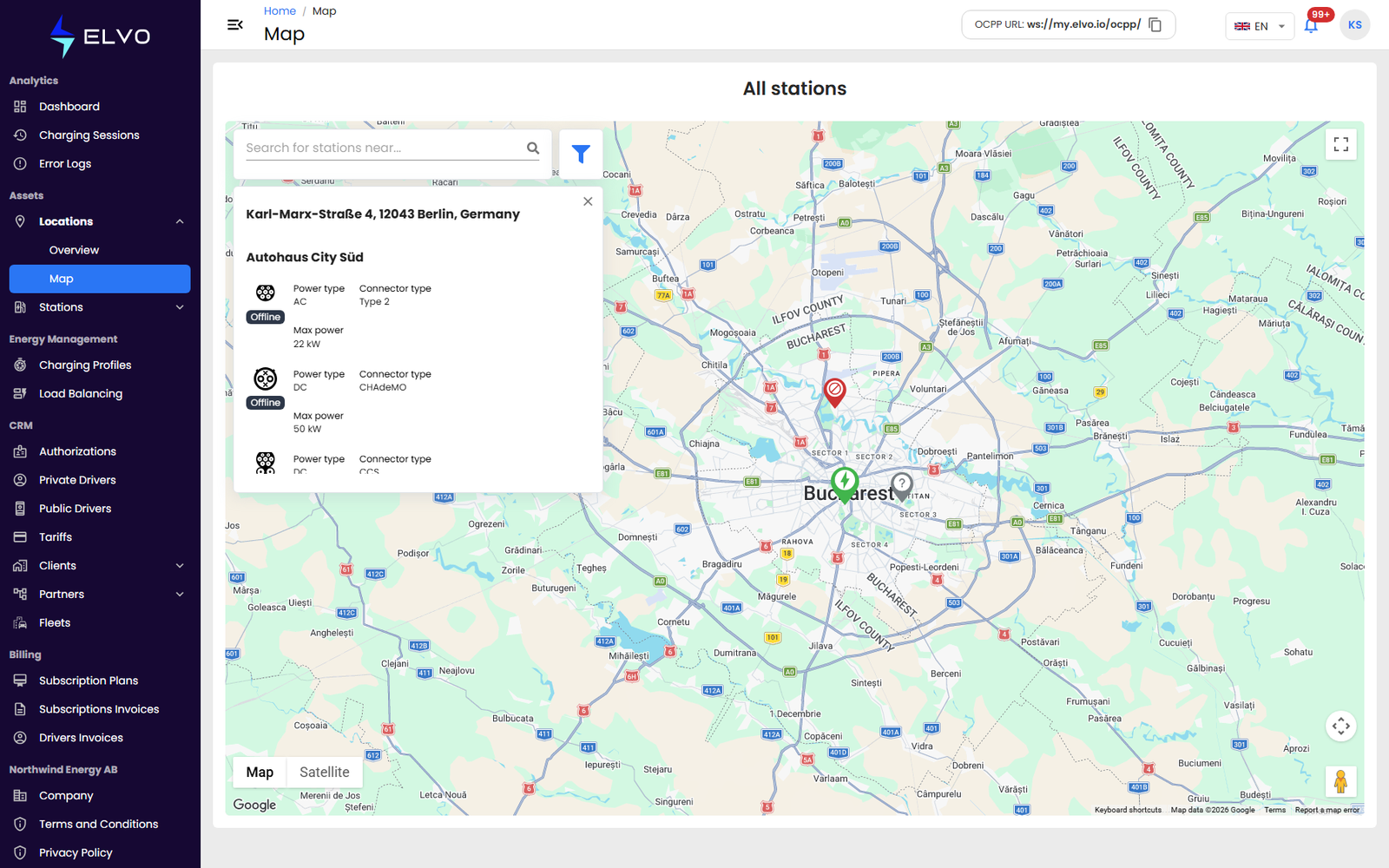
Opening the map
In the sidebar, open Assets, then Locations, and select Map. The map opens centered on Bucharest and shows a marker for every location that has coordinates set. Marker icons vary by station status, and overlapping markers group into clusters.
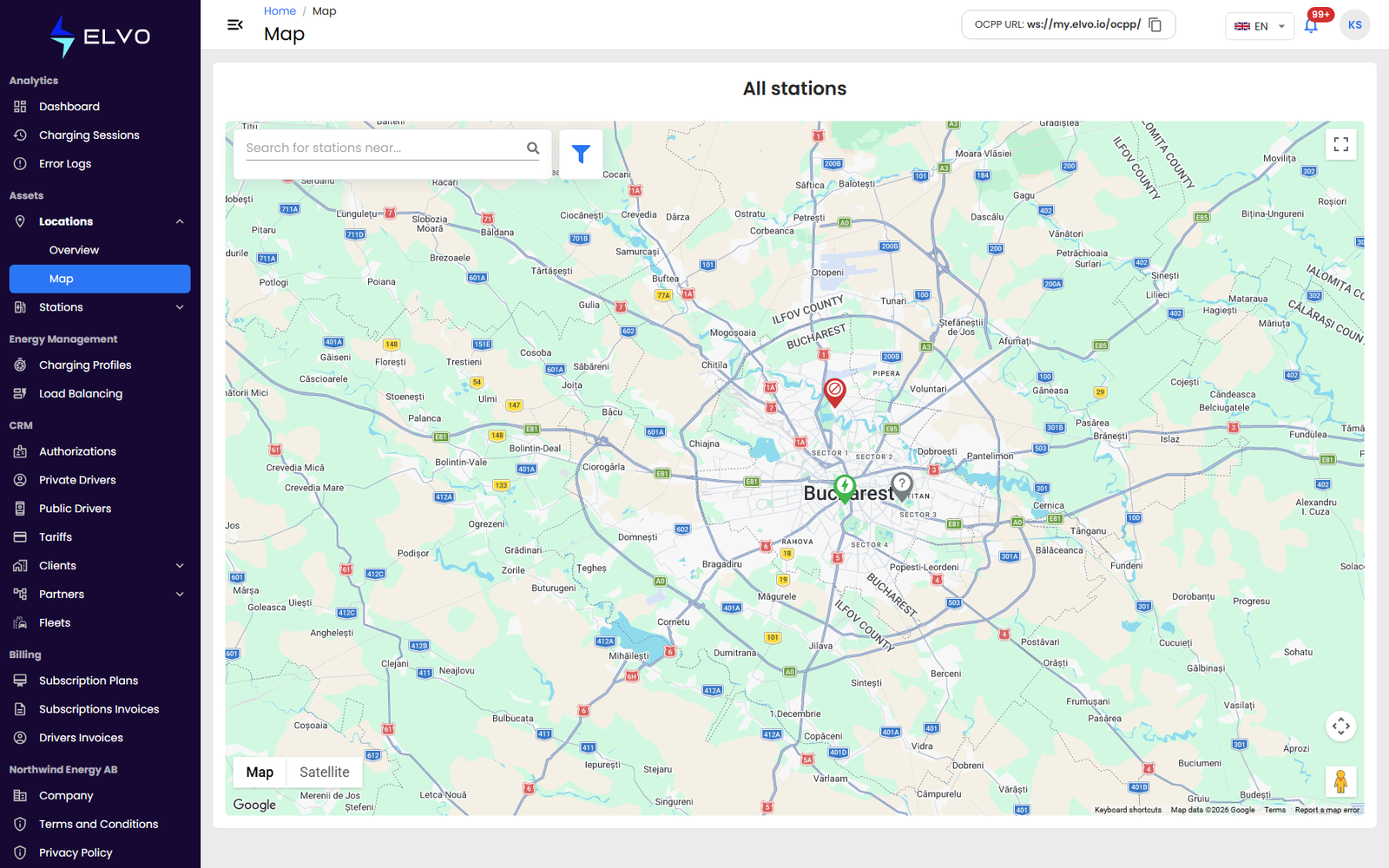
Searching for an address
Type an address into the search bar above the map and select a suggestion from the list. The map pans and zooms to that address.
Viewing a location’s stations
Click a marker to open its info panel in the map’s top-left corner. The panel is titled with the location’s address and lists each station installed there, with every connector’s status, power type (AC or DC), connector type, and maximum power. Close the panel with the X to keep exploring the map.