Reaching Clients
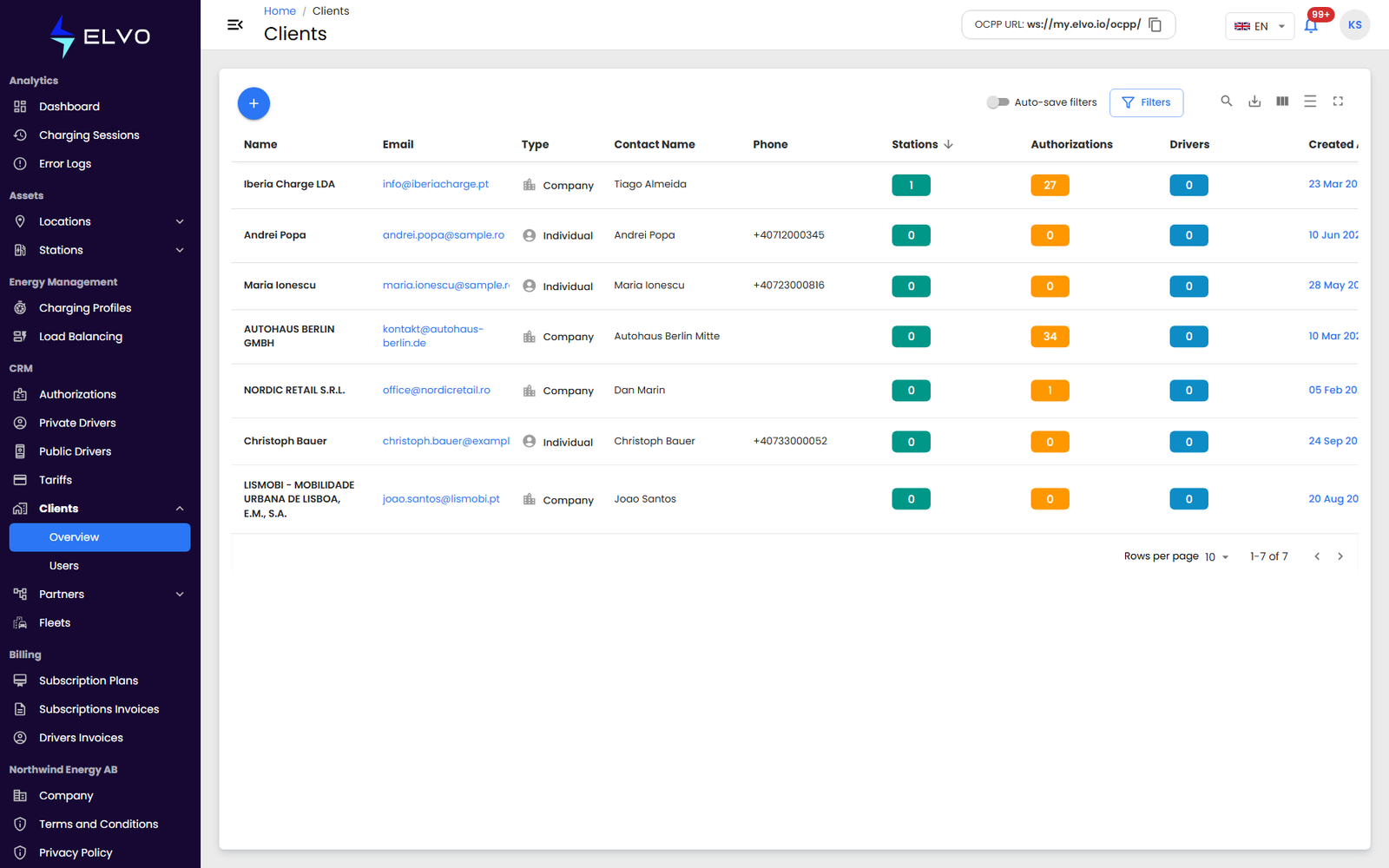
In the sidebar, open CRM and select Clients to open the Clients dashboard on its Overview tab. The same Clients menu also has a Users tab, listing every client user across all your clients (see section 17.1 and section 13.4).
What a client is
A client is a company or individual that owns or operates charging stations and manages the drivers who use them — the third tier in the platform’s account hierarchy (see section 19.2). This part covers how Enterprise and Partner accounts register and manage the clients beneath them; the Client tier does not have access to this area.
The Clients list
Overview opens on a table listing every client visible at your tier, one row per client. Each row is either an Individual or a Company client (see section 13.2 for the difference). Use the table’s built-in search, column sorting, and filters to narrow a long list, or export it to Excel.
- {tier: enterprise} You see clients across every partner.
- {tier: partner} You see only your own clients.
Client visibility always follows this tier scope.
Open a client to reach its detail tabs (see section 13.3). To register a new client, see section 13.2.