Opening partner registration
Enterprise only. Registering a partner is available only to Enterprise accounts (see section 17.2). In the sidebar, open CRM, then Partners, and select Overview. Click the + button above the list to open the partner registration form.
Registering with a form
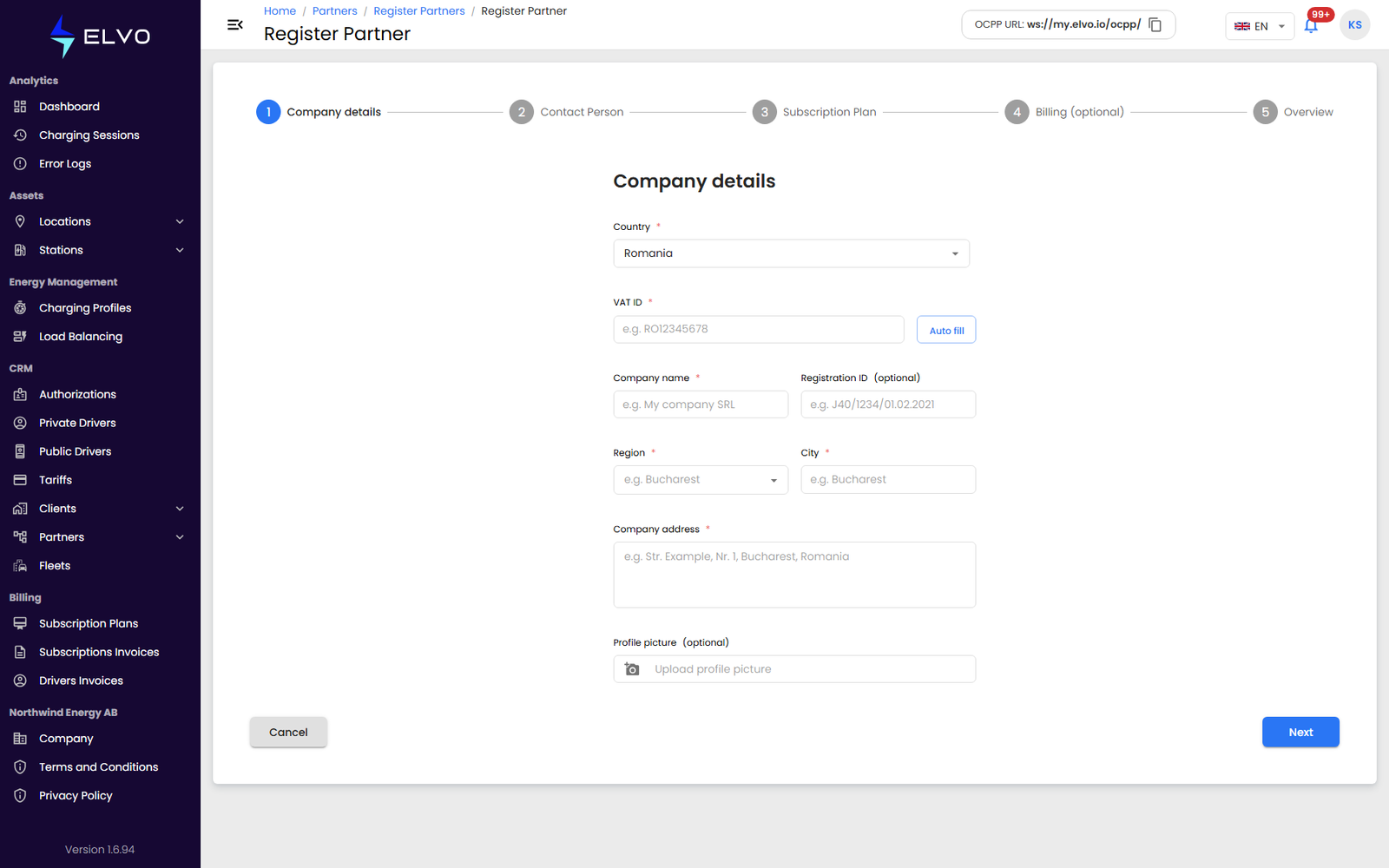
Clicking + opens the partner company form (the platform also supports registration by email invitation — see below).
- Enter the partner’s company details — the form’s fields, in order: Country, VAT ID (the fiscal code, e.g. RO12345678), Company name, Registration ID (optional trade registry number), Region, City, Company address, and an optional Profile picture. Entering the VAT ID triggers the same company lookup used for company clients (see section 16.5).
- Submit the form to create the partner.
Inviting a partner
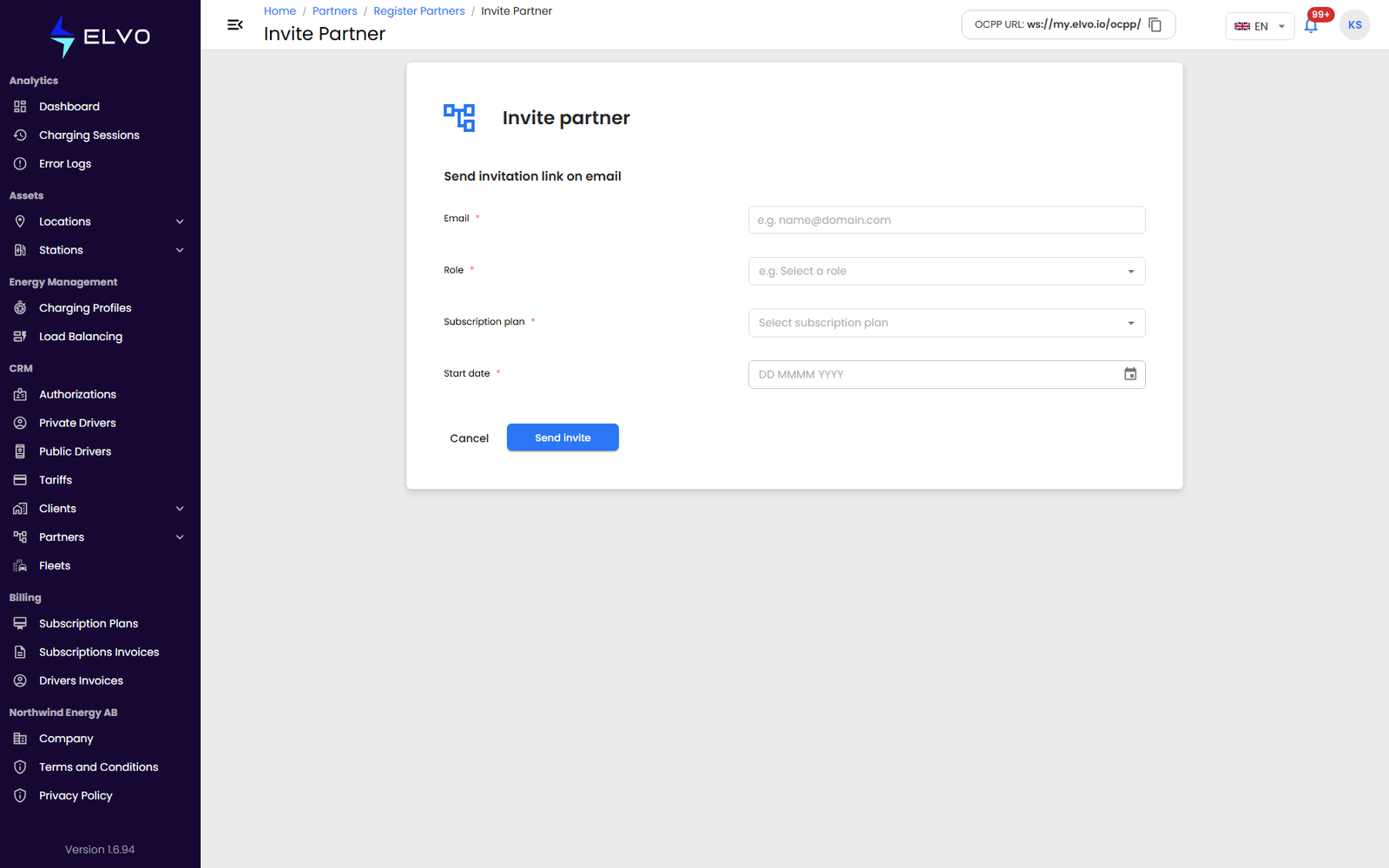
Instead of entering the company’s details yourself, you can send the prospective partner an email invitation to complete their own registration.
Once a partner is created, it appears in the partners list (see section 14.1). Open it to review its details across all seven tabs (see section 14.3).