Signing out
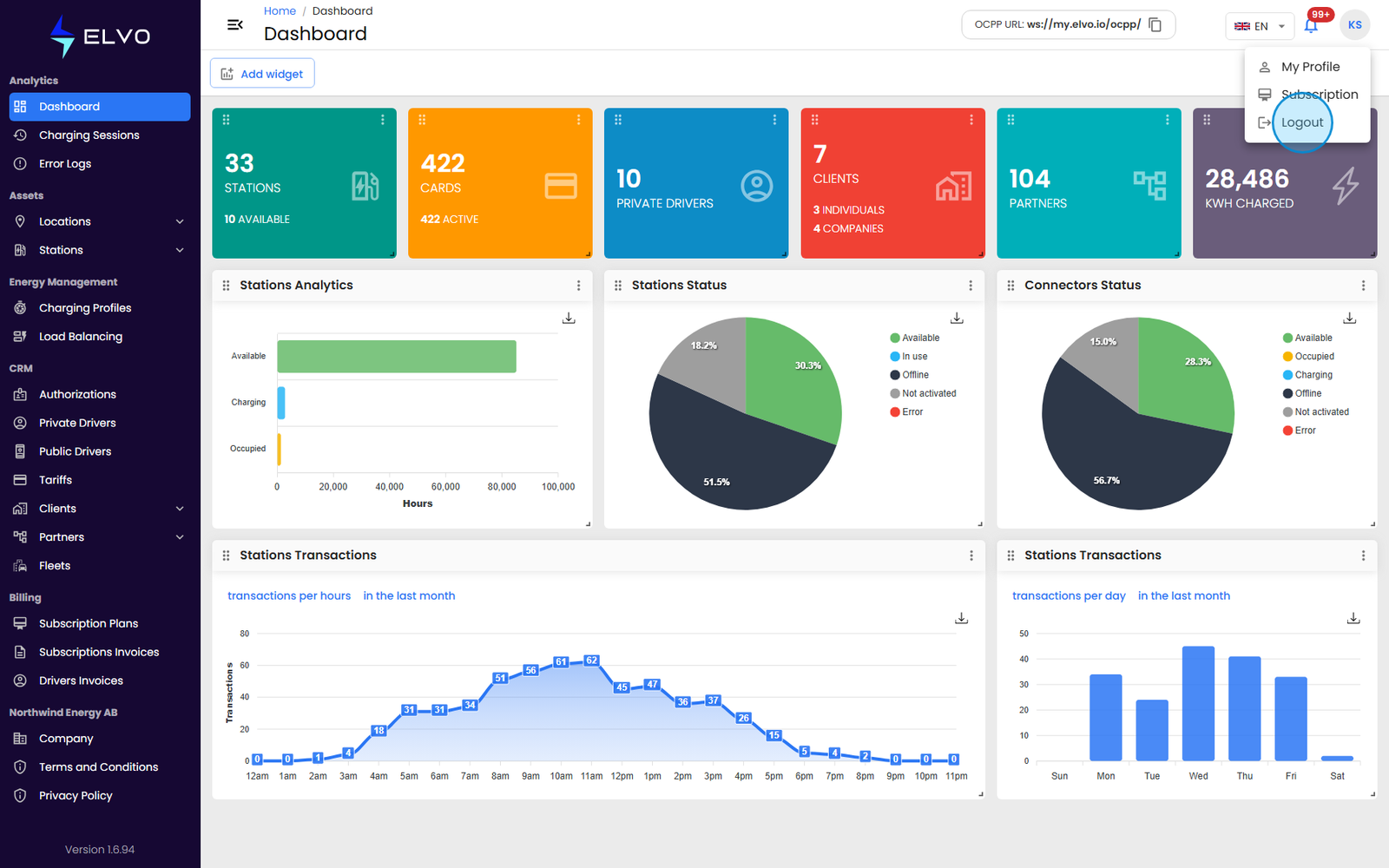
Logout is one of the two items in the profile menu — click your avatar in the top right of the header to open it (see section 19.3 for the full menu and its other item, My Profile). Because the header is part of the platform’s shared layout, this menu is available the same way from every authenticated page.
Click Logout to sign out. Your session ends immediately — there is no confirmation prompt — and you are returned to the login page.
Automatic sign-out
You can also end up back at the login page without clicking Logout, if your session becomes invalid while you are using the platform — for example, if it expires. This follows the same path as a manual logout.