Opening a partner’s details
Enterprise only. Partner details are available only to Enterprise accounts (see section 17.2). From the partners list, click a partner’s row to open its detail page (see section 14.1).
The detail tabs
A partner’s profile has seven tabs: Details, Stations, Authorizations, Drivers, Charging sessions, Subscription Plan, and Billing Entity. These mirror the Client detail tabs one tier down (see section 13.3), minus a Users tab — partner users are managed separately, from CRM > Partners > Users in the sidebar (see section 14.1), not as a tab on this page.
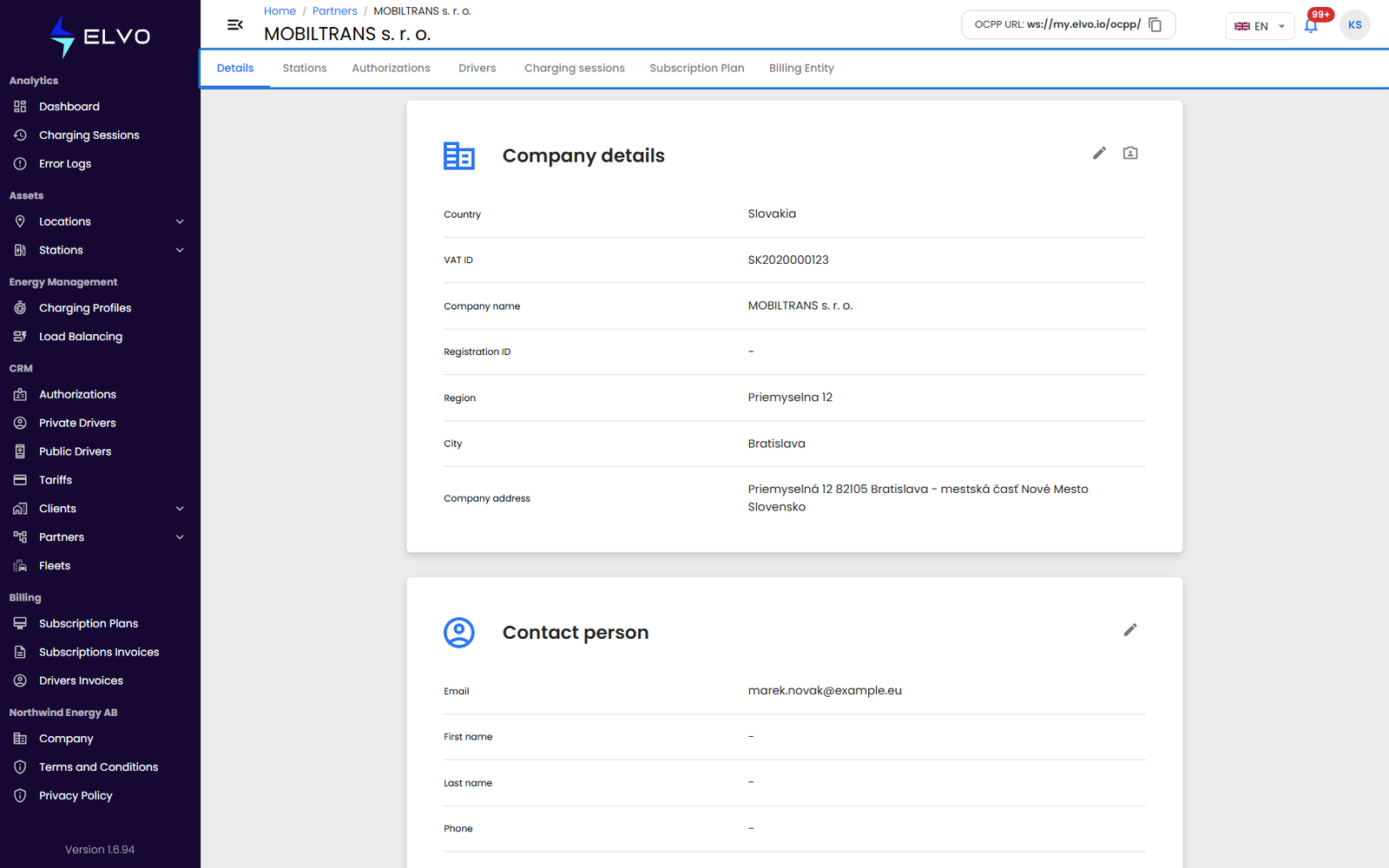
- Details (the default tab) shows the partner’s own company information.
- Stations lists the stations assigned across the partner’s clients (see Part 4 and Part 5 for a station’s own detail view).
- Authorizations lists the RFID cards issued across the partner’s clients (see section 10.1).
- Drivers lists the private drivers registered across the partner’s clients (see section 12.1).
- Charging sessions shows the charging session history across the partner (see Part 2).
- Subscription Plan shows the partner’s current subscription plan.
- Billing Entity shows the partner’s billing entity (IBAN, VAT, series).