The platform’s login page is a single Log in / Sign up flow built around a one-time code sent to your email — there is no password field on the first screen. (Verified live on the current version, v1.6.94.)
Signing in
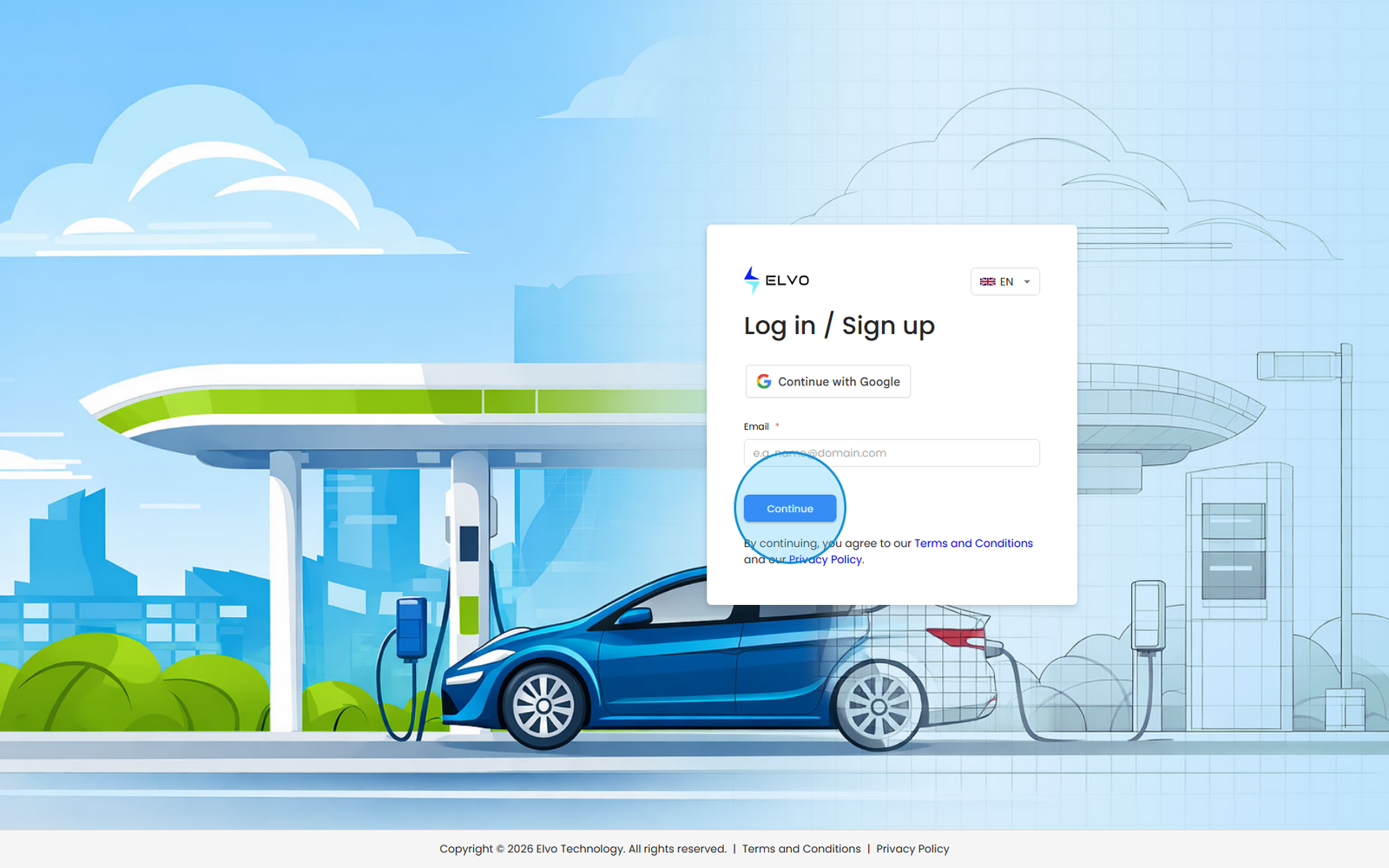
- Open the platform (any protected URL redirects you to the login page). The page shows a single Email field.
- Enter your email address and click Continue.
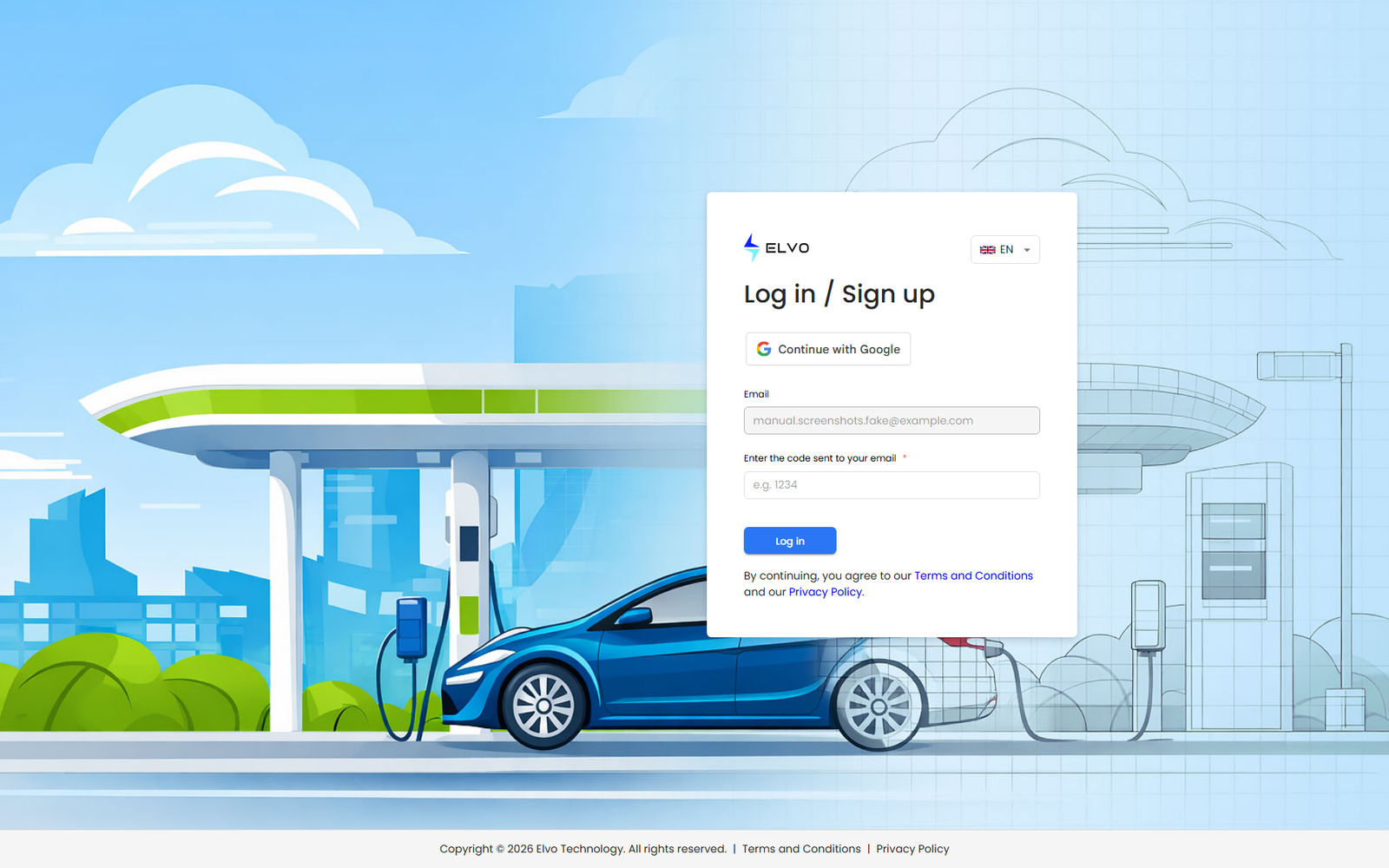
- The form switches to Enter the code sent to your email — open your inbox and copy the code from the message.
- Enter the code and click Log in. Your profile and permissions load, the sidebar builds, and you land on the Dashboard (see section 19.3 First login and navigation).
If the code does not arrive within a minute, request a new one from the same screen (see section 19.3 for the resend behavior).
Accounts with a password
If your account has a password set, the flow can present a Password step instead of the email code — both variants, including the 2FA prompt, are described in section 19.3 First login and navigation.
About Google sign-in
On my.elvo.io the login page also shows a Continue with Google
button above the email field. Choosing a Google account whose email
matches an existing platform account signs you in directly; an unknown
email creates a new account, exactly as self-registration does (see
section 18.3). White-label tenants show no Google button — the email
sign-in above is the only path there.