What a station model is
A station model is a catalog entry for a supported piece of charging hardware: its Brand, its Model name, and its connectors configuration — the number of connectors it has and each connector’s type and power (for example, Type 2 - 22 kW or CCS2 - 50 kW). The platform calls this catalog Supported Stations.
When you register a station (section 4.2), the wizard’s Model step has you pick a Brand and Model, and the Connectors format choices it offers are limited to what that model supports — this catalog is where those options come from. A station’s Details tab (section 5.3) later shows its Brand and Model together with a product image.
The Supported Stations list
In the sidebar, open Assets, then Stations, and select Supported Stations to see every model in the catalog. Use the + button to add a new one.
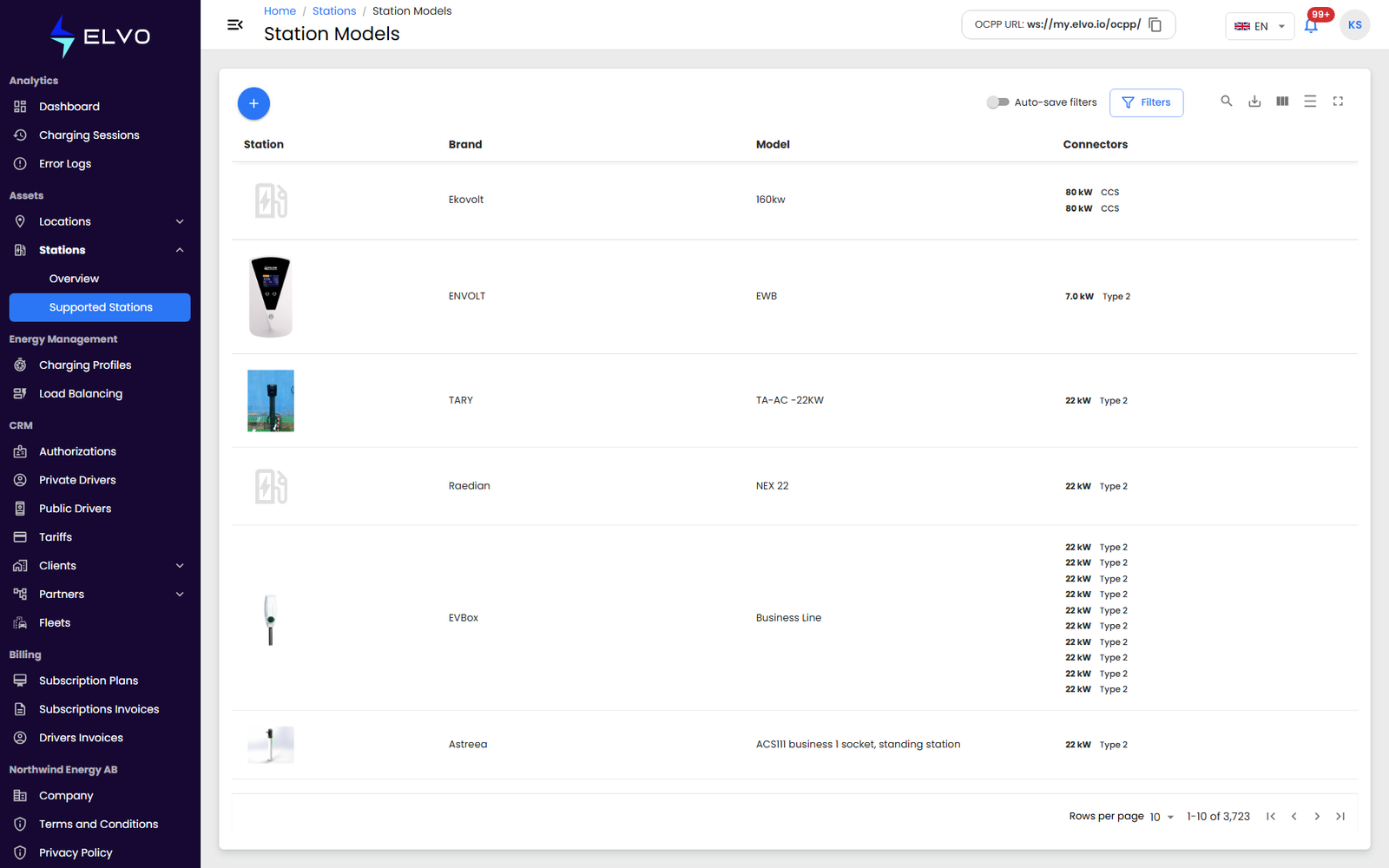
Viewing a station model
Each model also has its own details view, at /stations/models/:id,
separate from the edit form.
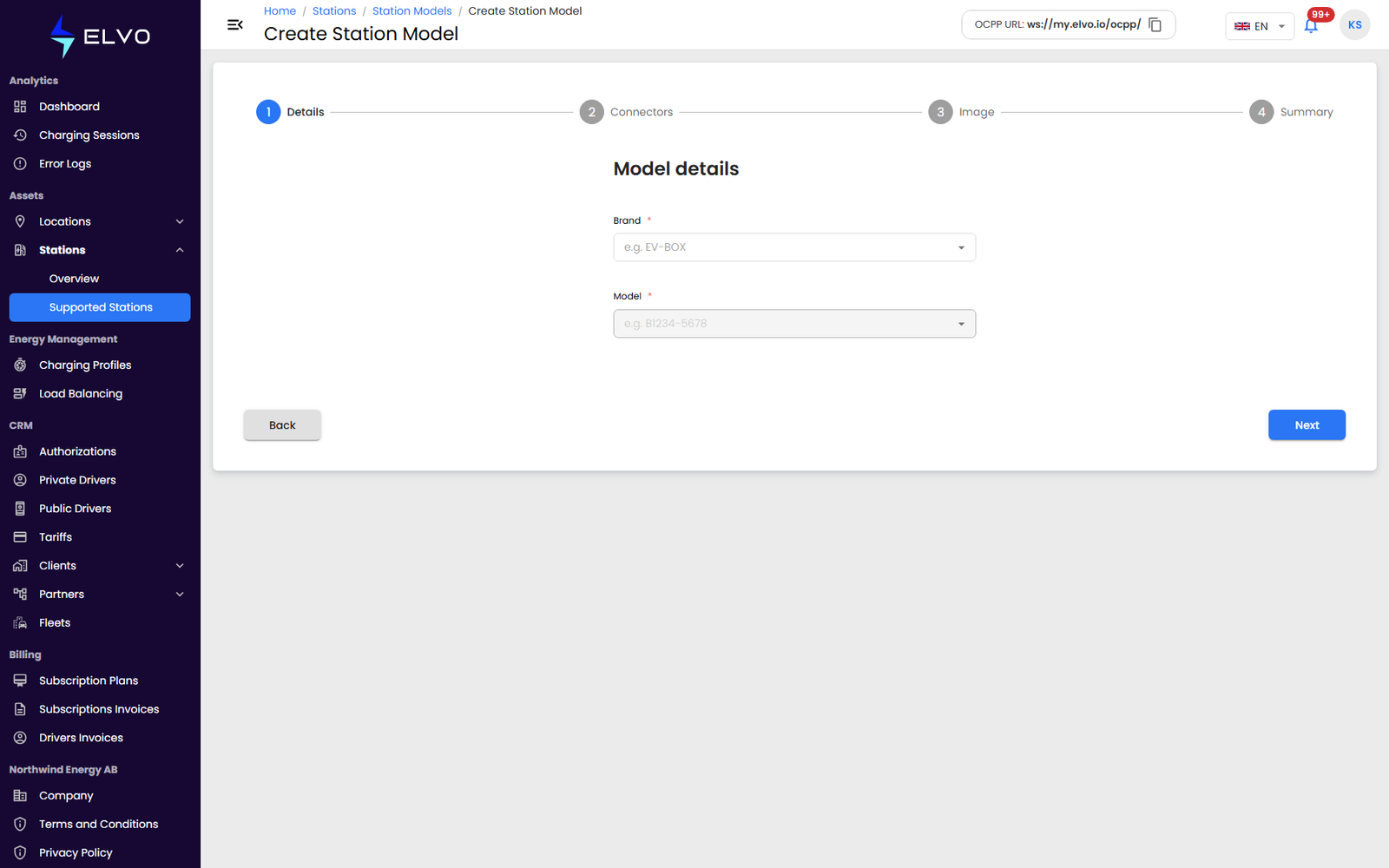
Creating a station model
Creation is a short wizard: the first step asks only for Brand and Model, with Back/Next controls.
- Enter the model’s Brand and Model name, then click Next.
- Set the Number of connectors and, for each one, its type and power (for example, Type 2 - 22 kW or CCS2 - 50 kW).
- Click Create.
Editing a station model
Editing reuses the same form as creation, pre-filled with the model’s current Brand, Model, and connectors configuration.