Tier scope
The Company area, including this tab, is not available at the Client tier: the Subscription plan tab does not appear in the sidebar for Client accounts, and there is no read-only fallback view for them here.
Client tier does have separate, read-only access to subscription plan definitions elsewhere on the platform (see section 15.5, Subscription plans). That is a different feature from this tab and is not covered in this Part.
Reaching your subscription plan
In the sidebar, select Company, then switch to the Subscription
plan tab (/company/subscription-plan) to see your organization’s
current plan.
Changing your plan
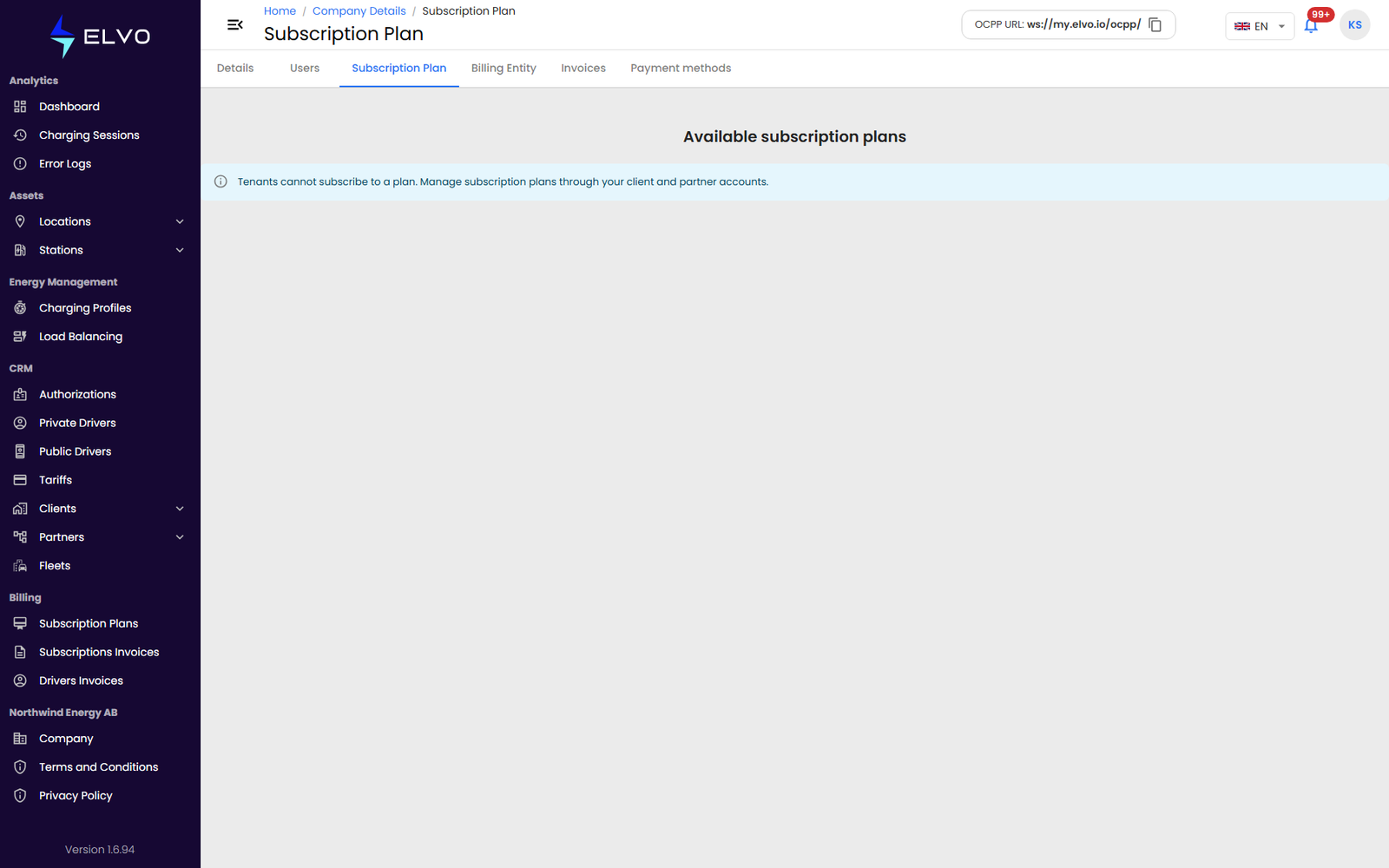
{tier: enterprise} On the current platform version, the Enterprise tenant’s own tab shows only the message “Tenants cannot subscribe to a plan. Manage subscription plans through your client and partner accounts.” — there is nothing to select here; plans are assigned on a client’s or partner’s record instead (see section 15.5). Verified live 2026-07-16.
{tier: partner} For Partner (and, where applicable, Client) accounts, choose a different plan from the available options to upgrade or downgrade.
Changing your plan takes effect immediately — there is no confirmation step before the switch, so review your choice before selecting it.
Accounts with the superauditor role can view the current plan but not change it (see section 17.2 for the role hierarchy).