Like the rest of Part 12, the Payment methods tab is visible only to
enterprise-superadmin accounts (see section 12.2).
Viewing payment methods
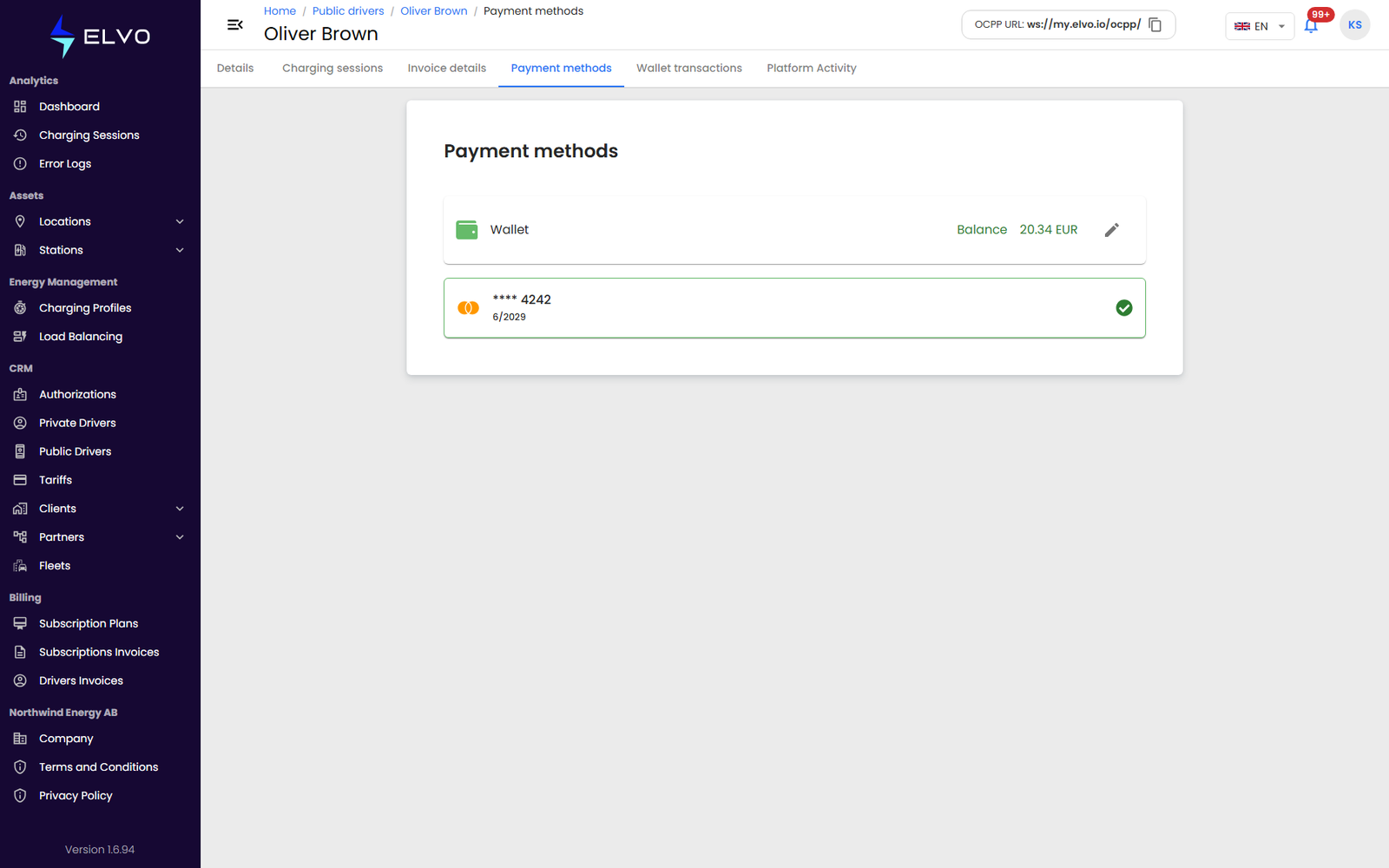
Open the Payment methods tab on a driver’s profile to see the payment cards they have saved in the mobile app. Each one is shown as a compact card element: brand, last 4 digits, expiry date, and whether it is the default.
The platform never displays the full card number here — only brand, last 4 digits, and expiry are exposed.
Setting a default payment method
- Open the Payment methods tab.
- Select a card and click Set as Default.
- The list refreshes to show the new default.
Payment method details are financial data belonging to a real end user — handle this tab with the same care as the rest of Part 12 (section 12.2).