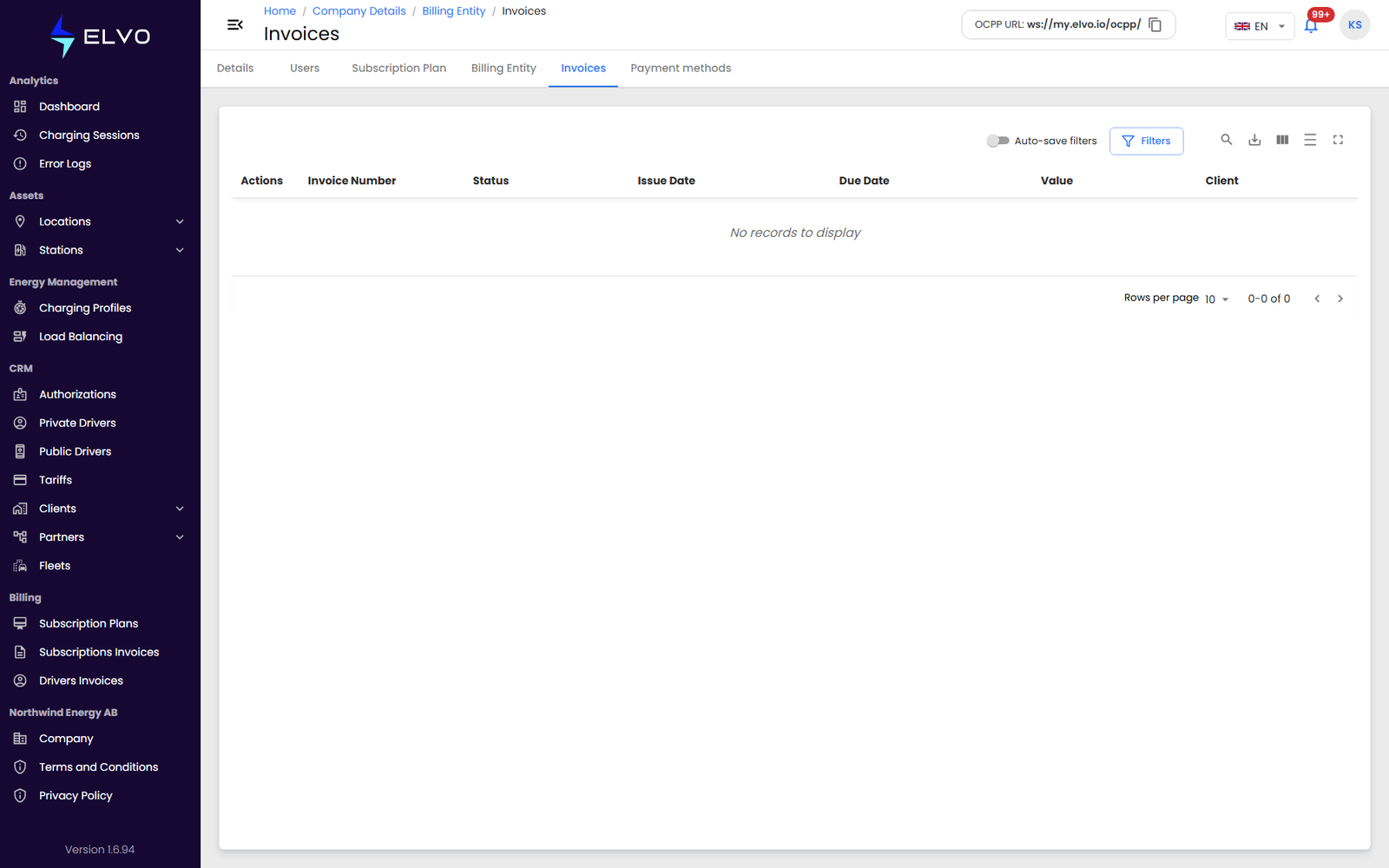
What Billing invoices shows
The Billing invoices tab lists your own organization’s invoices for its platform subscription — invoices where your Enterprise tenant or Partner account is the one being billed. This is different from Driver Invoices (section 15.1), which are the fiscal invoices your drivers receive for their own charging activity. It is also different from the subscription invoices you issue to your own clients or partners (section 15.3).
The Company area, including this tab, is not available at the Client tier (see section 16.1 for the full tier scope note).
The list’s columns are: Actions, Invoice Number, Status, Issue Date, Due Date, Value, and Client. In the live tab bar the tab is named simply Invoices, next to Billing Entity.
Reaching the list
In the sidebar, select Company, then switch to the Billing
invoices tab (/company/billing/invoices).