Deleting a user
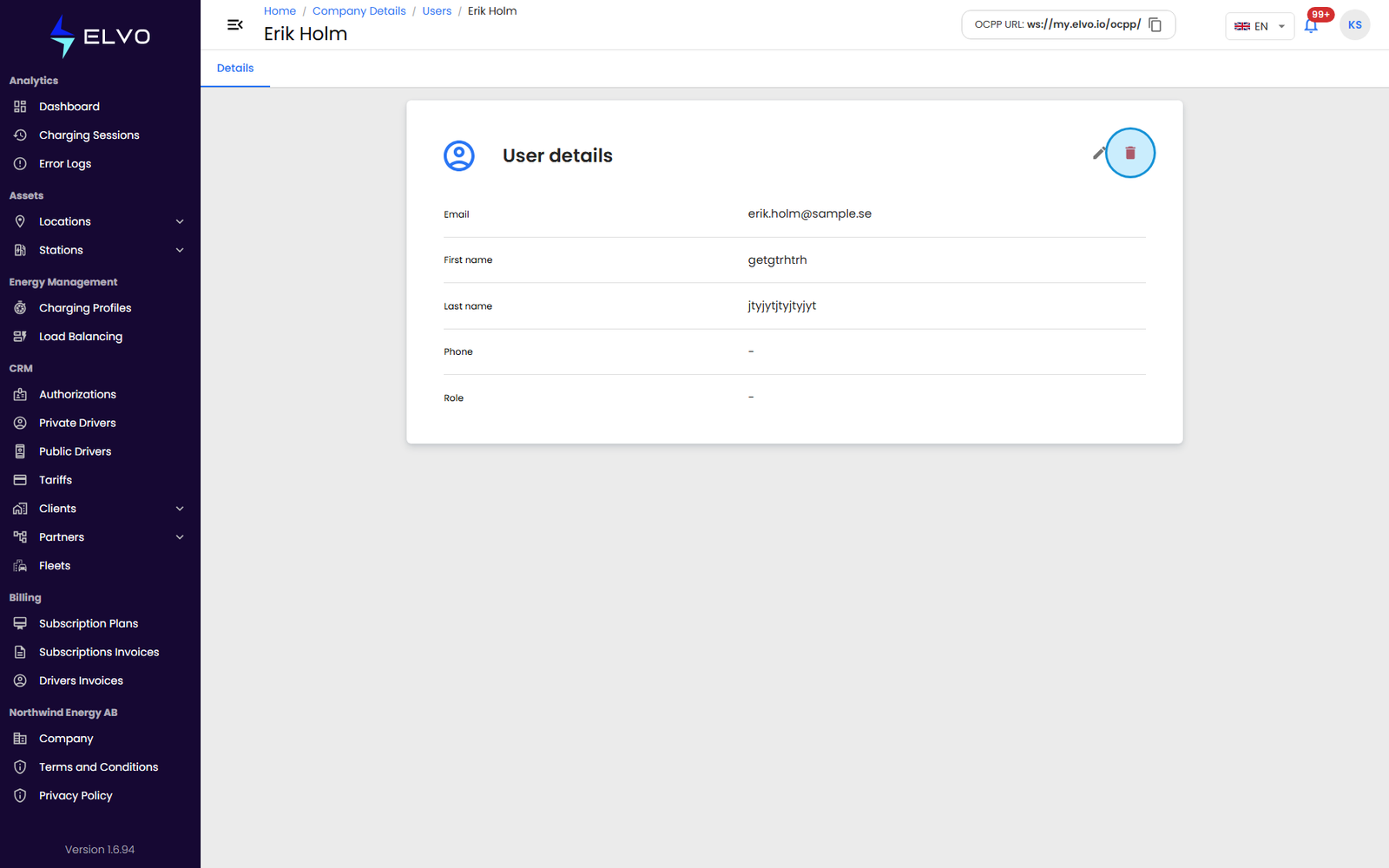
From the same Users list used to add users (Partners, Clients, or Company — see section 17.1), open the user’s row, then click the Delete user button on their detail page (the list rows themselves carry no delete icon).
Before you delete
Deletion is immediate and permanent. There is no separate deactivate or suspend state for user accounts — deleting is the only way to remove a user’s access on this platform, and it cannot be undone once confirmed.
The platform does not currently block deletion of the last remaining admin or superadmin of a client account. Before deleting an administrator, confirm the account has another admin or superadmin left — removing the only privileged user can leave an account unable to manage itself.
The platform enforces role-hierarchy rules on deletion as well as on editing (see section 17.3) — in principle, you should not be able to delete a user who outranks you. See section 17.5 for the full role hierarchy and permission matrix.
After you delete
Deleting shows a confirmation and the Users list refreshes without the removed row.