What it does
Every table’s filter area includes an Auto-save filters toggle (see section 2.2 for the Charging Sessions example). Turn it on to keep your current filter selections the next time you open that table; turn it off to start from a clean set of filters each time.
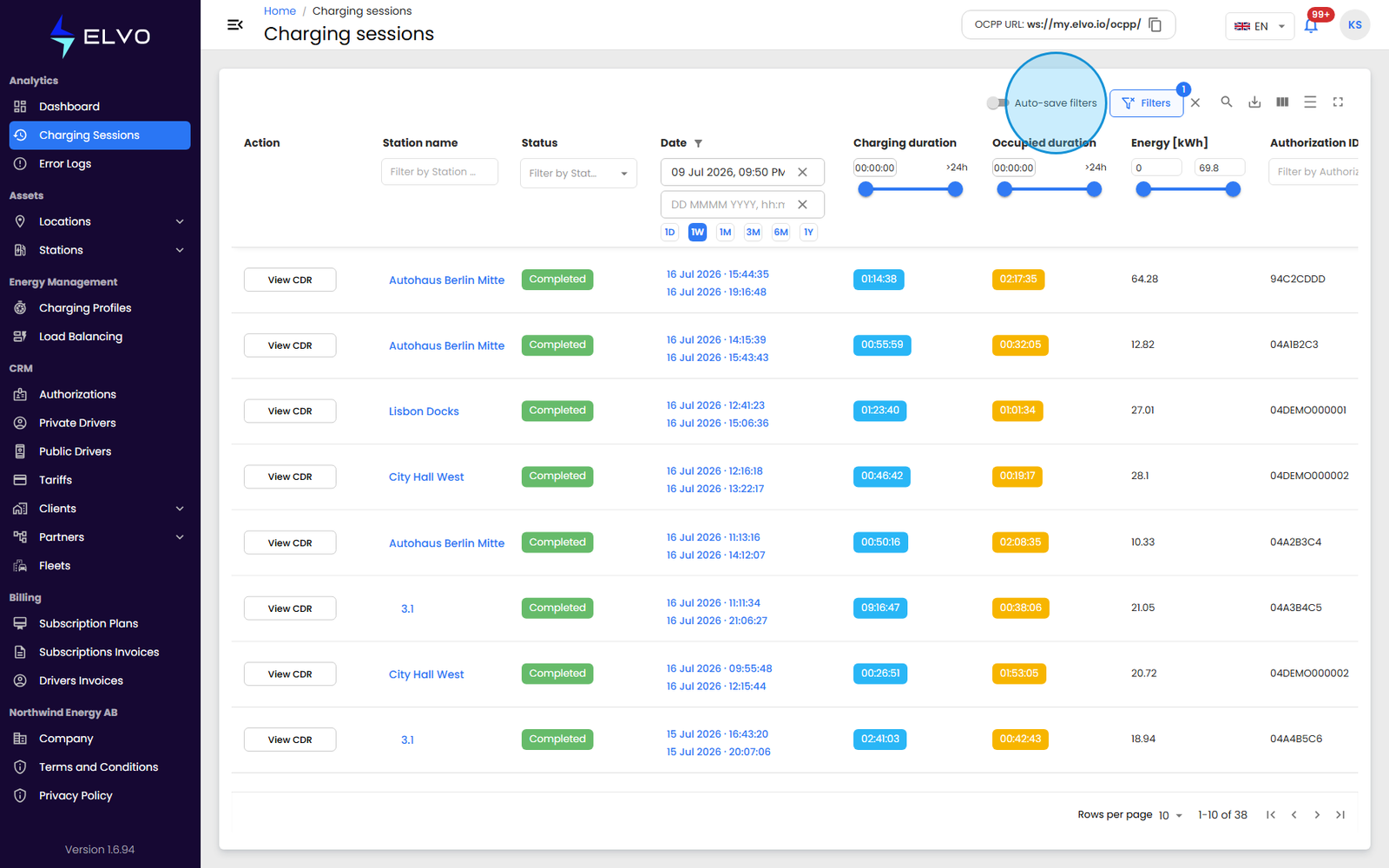
What it does — and does not — persist
Auto-save filters controls filter values only — which filters you have set, and to what. It does not control a table’s column layout: column order, visibility, density, sorting, and pagination are all saved automatically for every table regardless of this toggle — see section 20.3 for columns and section 20.1 for sorting and pagination. Turning Auto-save filters off does not reset your columns or sort order, only your filter selections. The filter row’s expanded or collapsed state is also remembered per table, separately from both of the groups above.
A per-table setting
Auto-save filters is set independently for each table. Turning it on for Charging Sessions, for example, has no effect on the same toggle on Error Logs or any other table — each remembers its own on/off state.