Reaching the page
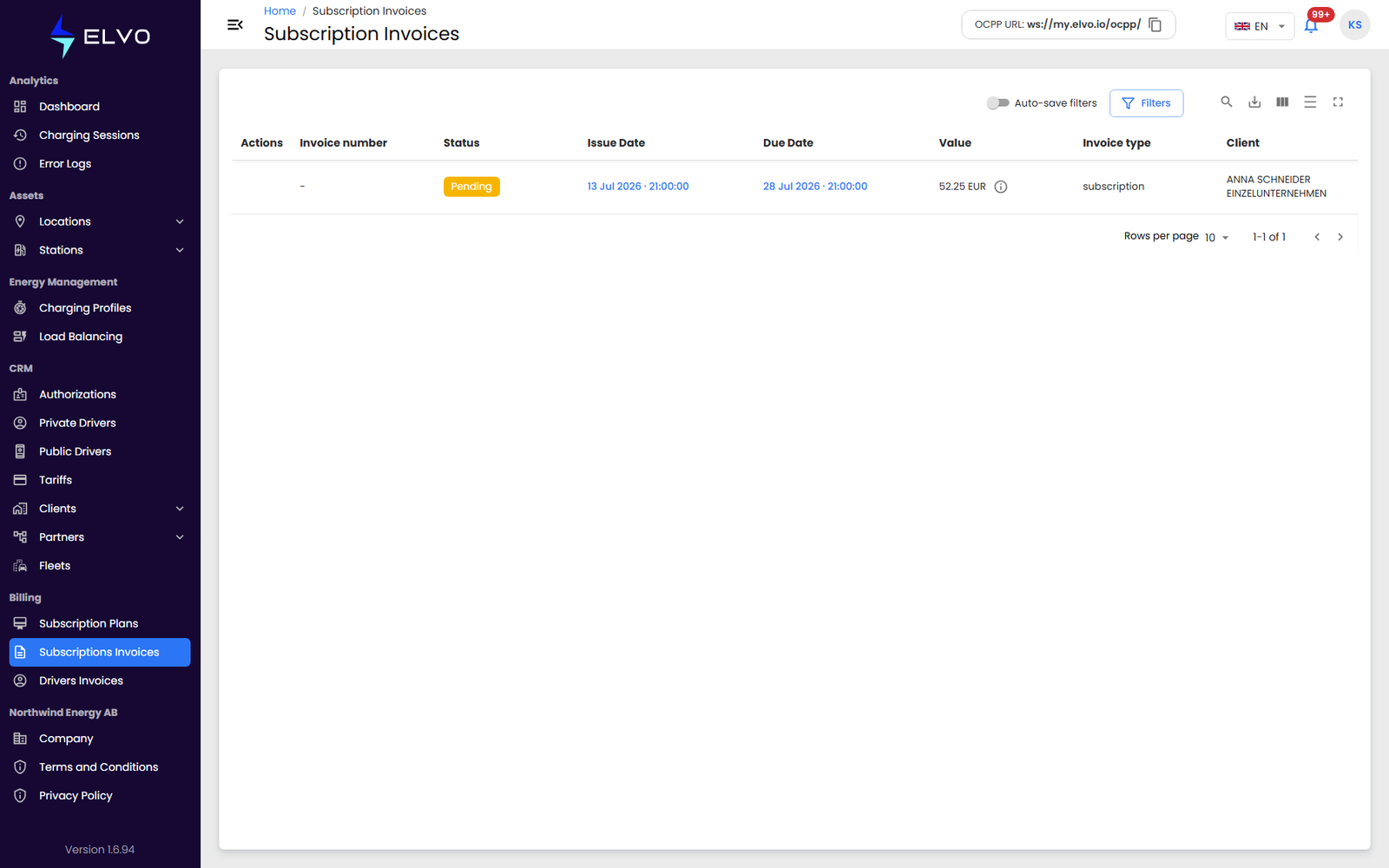
In the sidebar, open Billing and select Subscription Invoices. The
page is served at /subscription-invoices.
About subscription invoices
A subscription invoice is the B2B invoice you issue to a client or partner, based on their assigned subscription plan (see section 15.5) — station and connector counts, a commission on charging value, and any custom charges — as distinct from a driver invoice, which bills an individual driver for their own charging activity (see section 15.1). Your own subscription to the platform, one level up, is covered separately in section 16.4.
The invoice list
The list’s columns are: Actions, Invoice number, Status, Issue Date, Due Date, Value, Invoice type, and Client.
The list has two variants: invoices to pay and invoices to receive.
You can filter the list by client, billing period, and status.
Use the + button to create a new invoice — see section 15.4.
Filtering the list
Click Filters to open the filter panel. From there you can filter the list by client, period, and status.
Downloading an invoice
Each subscription invoice can be downloaded as a PDF.