What billing details are
Billing details are your own organization’s fiscal and payment identity on the platform — not a driver’s billing information (section 12.1) and not a specific invoice (section 15.2).
The Company area, including this tab, is not available at the Client tier (see section 16.1 for the full tier scope note).
Reaching billing details
In the sidebar, select Company, then switch to the Billing
details tab (/company/billing).
Editing billing details
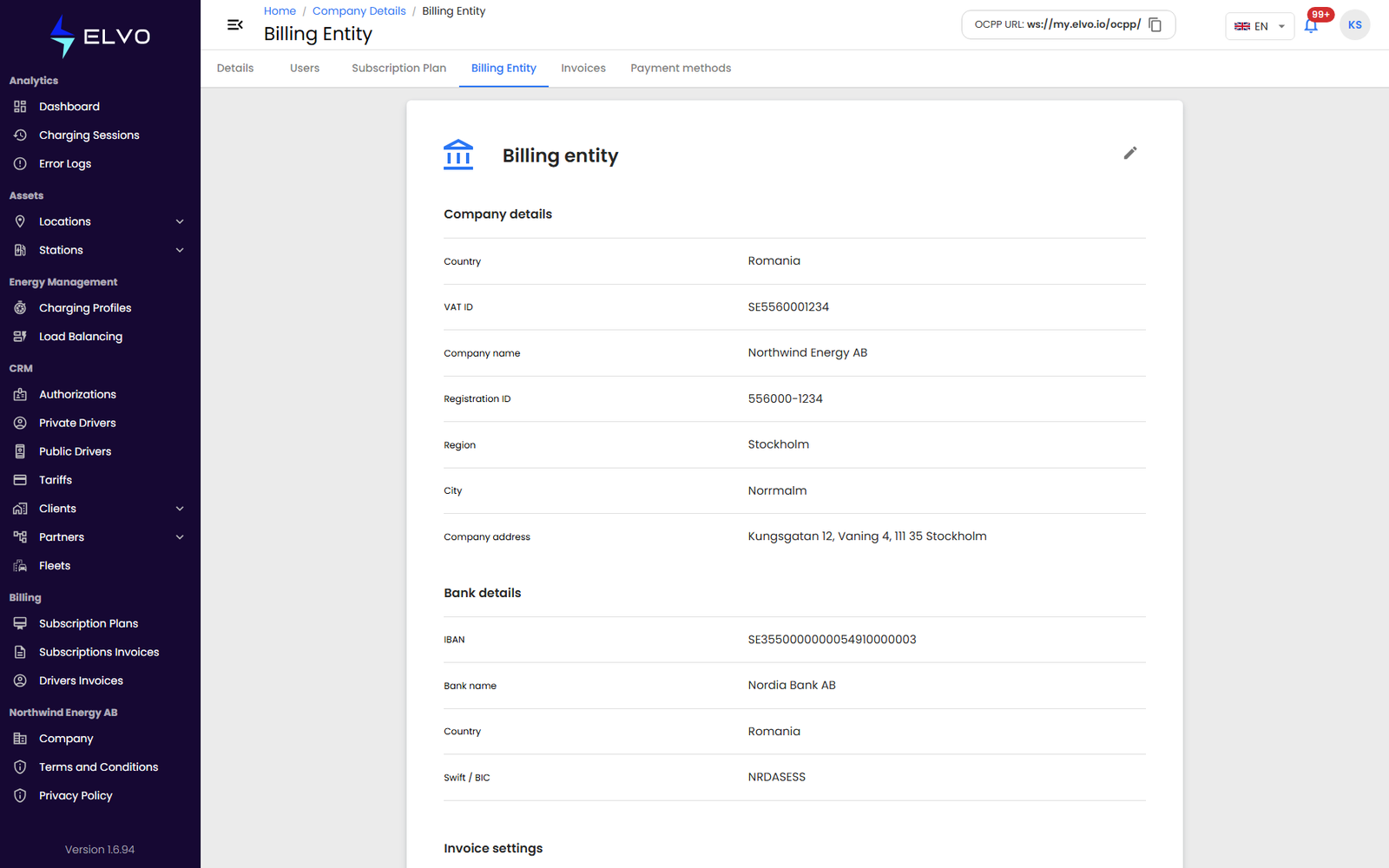
The tab (live name: Billing Entity) holds three groups:
- Company details — Country, VAT ID, Company name, Registration ID, Region, City, Company address (the same identity as the Details tab).
- Bank details — IBAN, Bank name, Country, Swift / BIC.
- Invoice settings — Electronic invoice token, Language, Currency, Series, Next number, and VAT percentage.
- Update the fields you need to change.
- Click Save.
The IBAN field is validated for format before you can save.