Station position
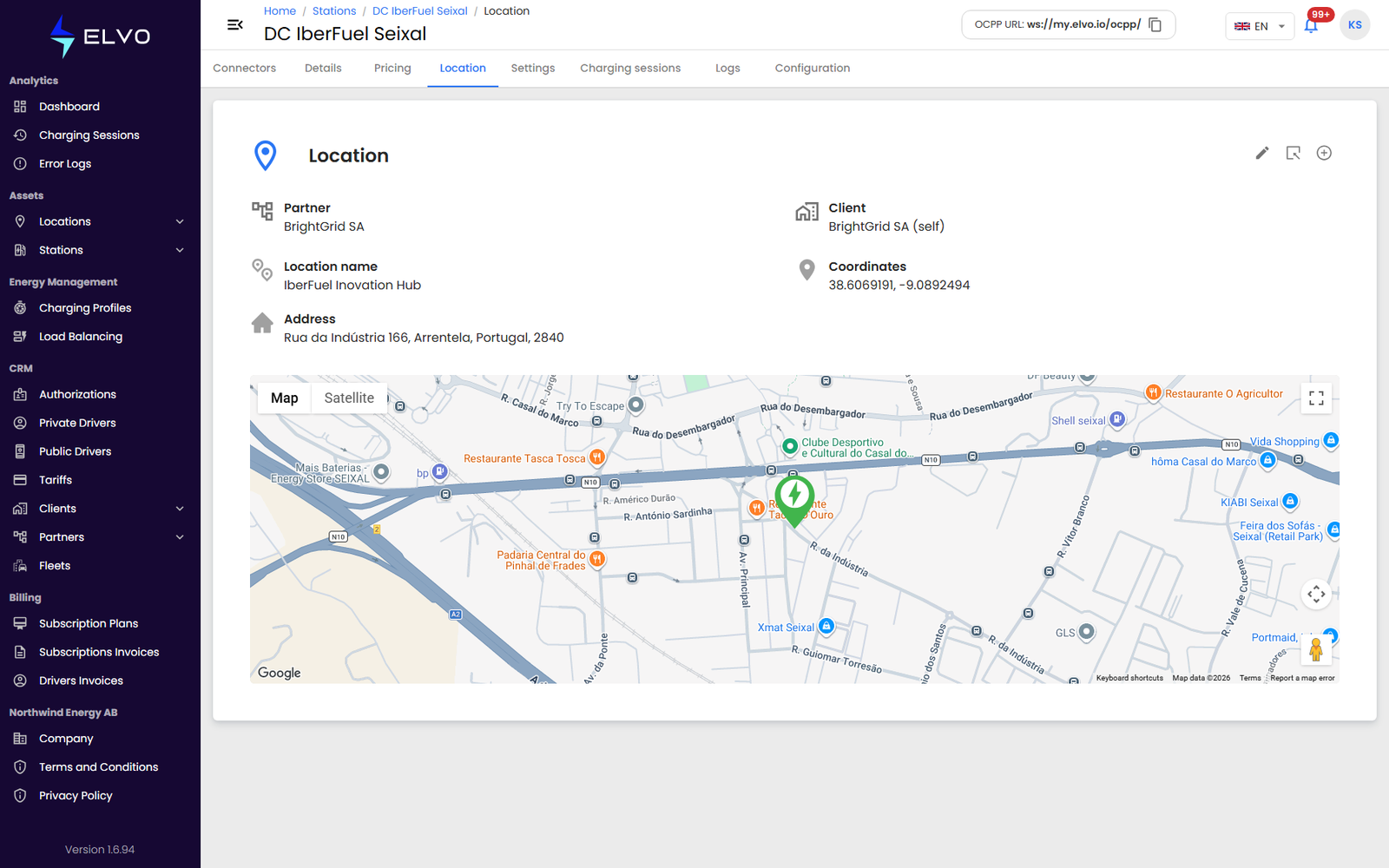
The Location tab shows the station’s assigned location on a map, together with its address and coordinates — a focused, single-station map view, separate from the full network map (see Part 7).
Reassigning the station
Click the location option to move the station to a different location. The picker lists your existing locations — choose one and confirm. The station moves to the new location’s station list and no longer appears under the previous one. This tab does not create new locations (see Part 7 to add one first).