What a partner is
Enterprise only. Partners are a management layer visible only to Enterprise accounts — the Partner and Client tiers do not see this area (see section 17.2).
A partner sits directly below your Enterprise account in the platform’s hierarchy: a white-label operator, installer, or CPO branch that in turn owns one or more clients (see section 19.2). Partners can have their own users, and a partner sees only the clients and infrastructure that belong to it. The Partners area works the same way one tier down as the Clients area (see section 13.1).
Reaching Partners
In the sidebar, open CRM, then Partners, and select Overview. The same Partners menu also gives you Users, a combined roster of every user across all your partners.
The partners list
Overview opens on a table listing every partner on your tenant, one row per partner. Use the table’s built-in search, column sorting, and filters to narrow a long list, or export it to Excel.
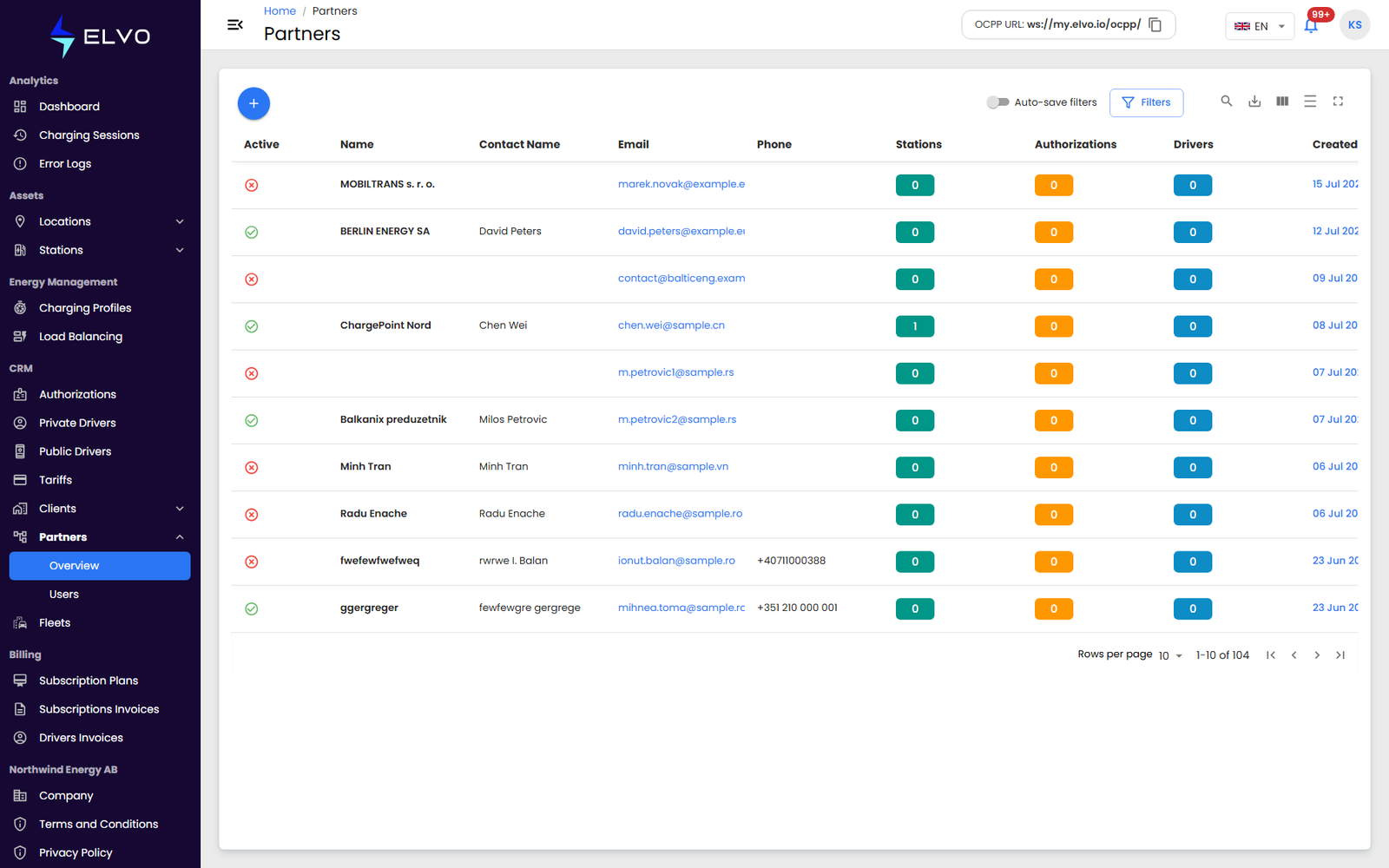
The list’s columns are: Active, Name, Contact Name, Email, Phone, Stations, Authorizations, Drivers, and Created At. Click a row to open the partner’s detail view (see section 14.3).
Open a partner to reach its details — its own information plus the stations, authorizations, drivers, charging sessions, billing, and subscription plan tied to it (see section 14.3). To register a new partner, see section 14.2.