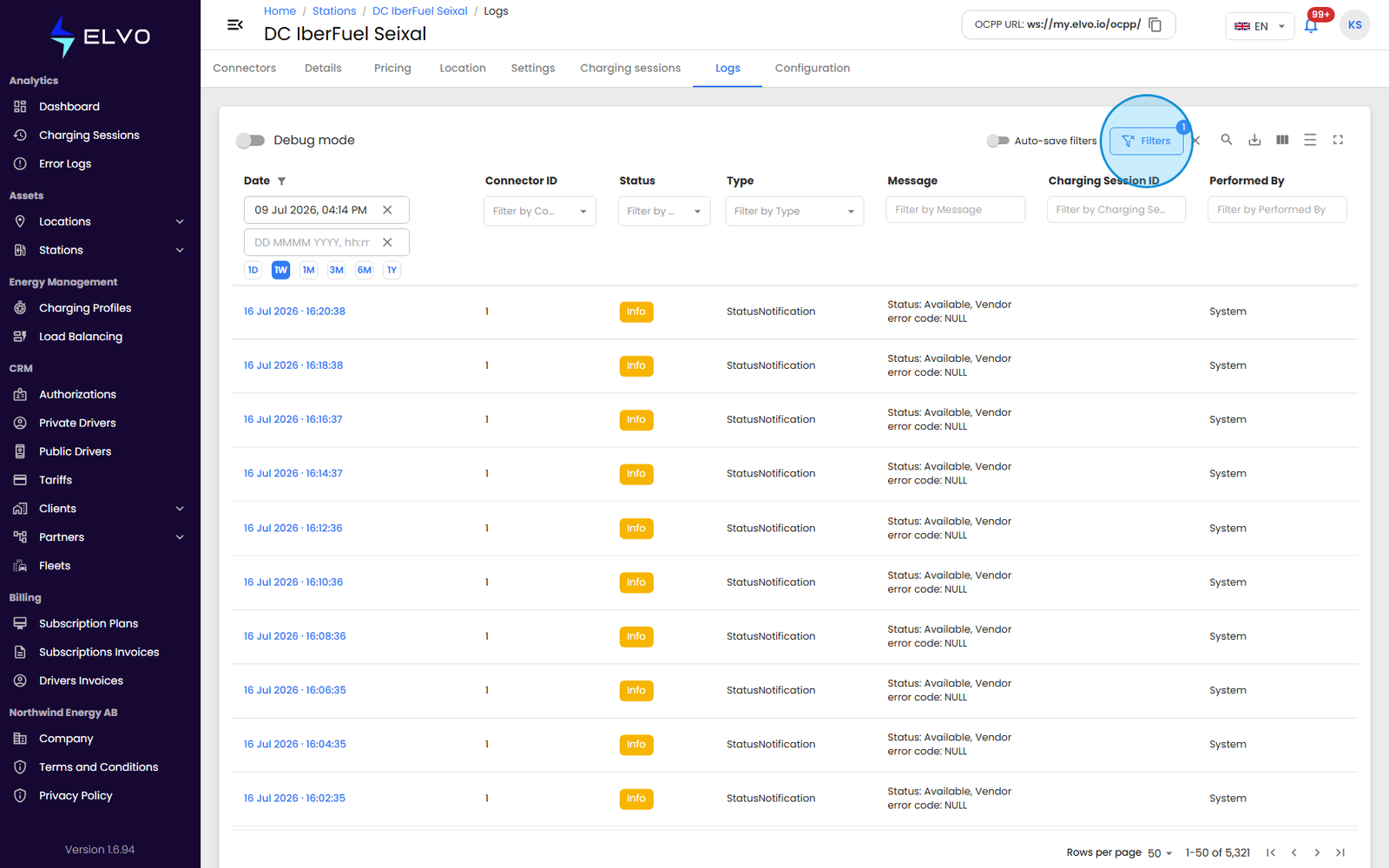
Viewing a station’s activity log
The Logs tab shows a timestamped record of everything the station has reported: connect/disconnect events, status messages, system errors, and charging events. Each entry includes a precise timestamp, the affected connector, the event type, a detailed message, and the resulting system status.
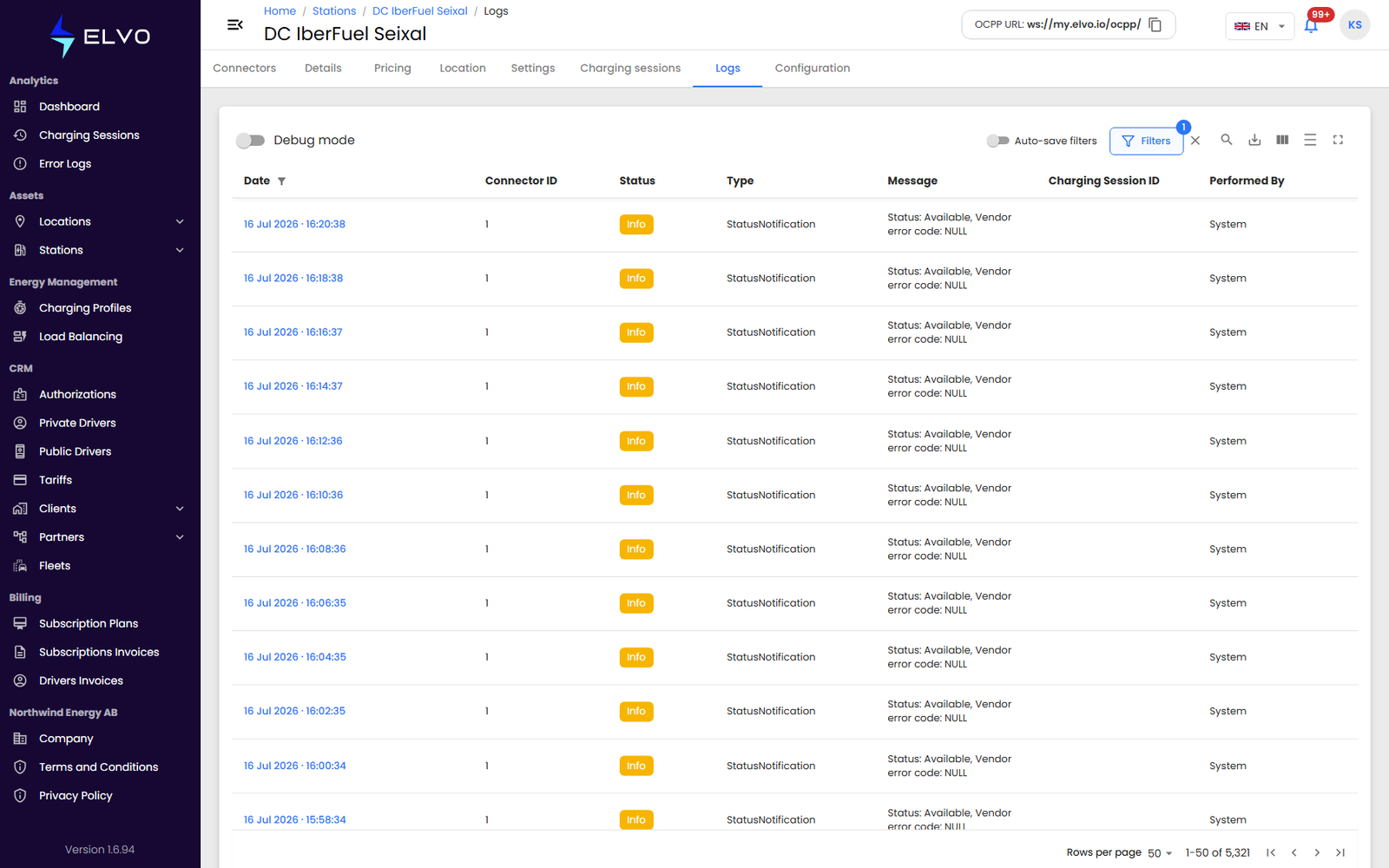
Filtering
Filter the log by date, event type, or connector. The table follows the same column and filter conventions as other list views in the platform (see Part 3 for the full reference on working with log tables), but this log is scoped to one station and includes non-error events alongside errors — broader than the global Error Logs page.