Like the rest of Part 12, the Invoice details tab is visible only to
enterprise-superadmin accounts (see section 12.2).
Invoice details vs. Driver Invoices
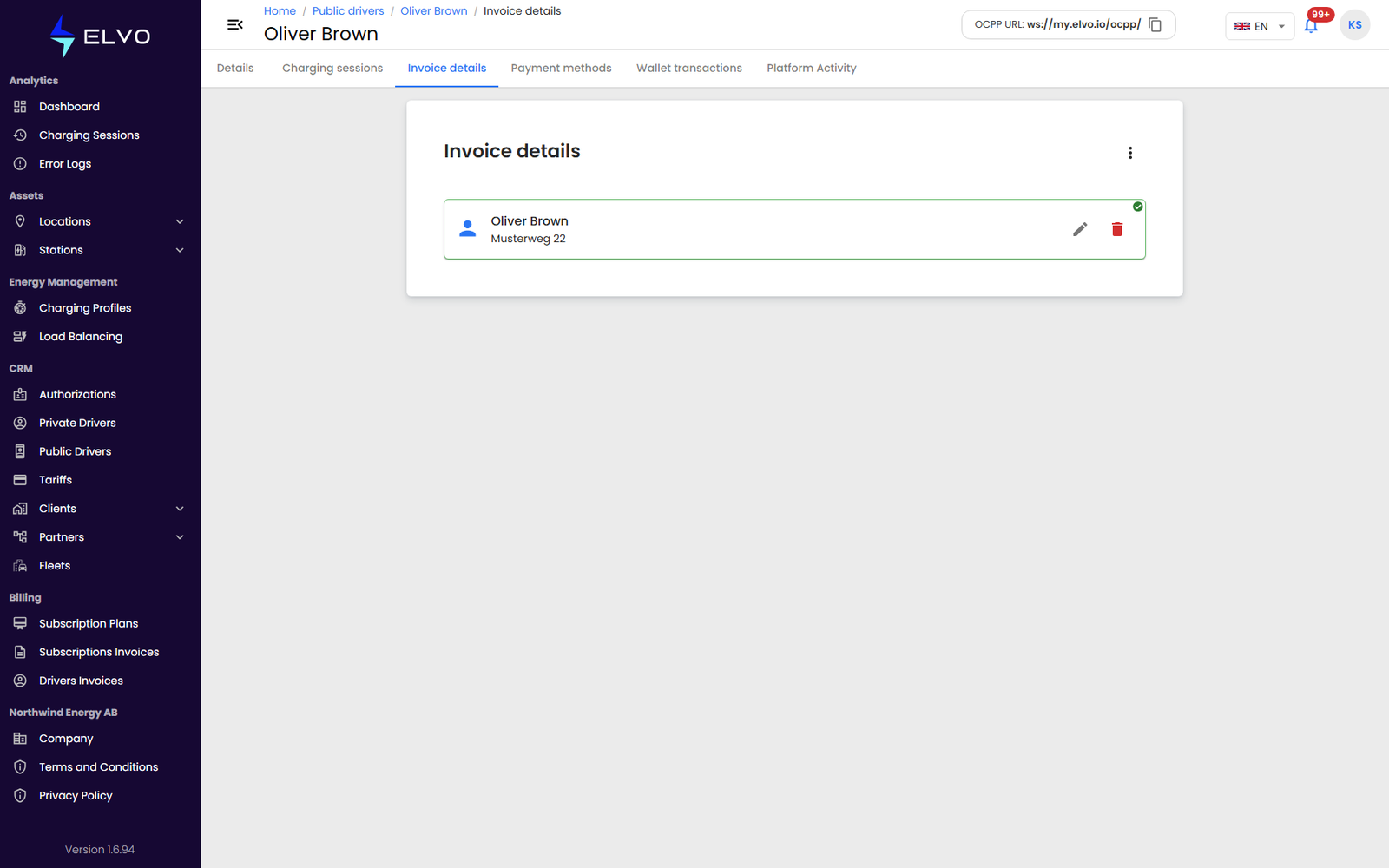
Despite the name, the Invoice details tab does not list or download this driver’s invoice PDFs. It manages the driver’s billing addresses — the “billed to” details the platform attaches to their invoices — not the invoice documents themselves.
To view or download this driver’s actual invoice PDFs, use the Driver Invoices list (section 15.1) and filter by driver.
Managing billing addresses
The tab lets you add, edit, delete, and set a default billing address for the driver.
-
Open the Invoice details tab on the driver’s profile.
-
Click the add control to create a new billing address, or open an existing one to edit it.
-
Fill in the billing address fields and save.
-
To make an address the driver’s default, open it and set it as default.
-
To remove an address, delete it and confirm.
Billing addresses carry personal or company identifying data (legal name, tax/ID number, full address) — handle them with the same care as the rest of Part 12 (section 12.2).