What the Terminal tab is
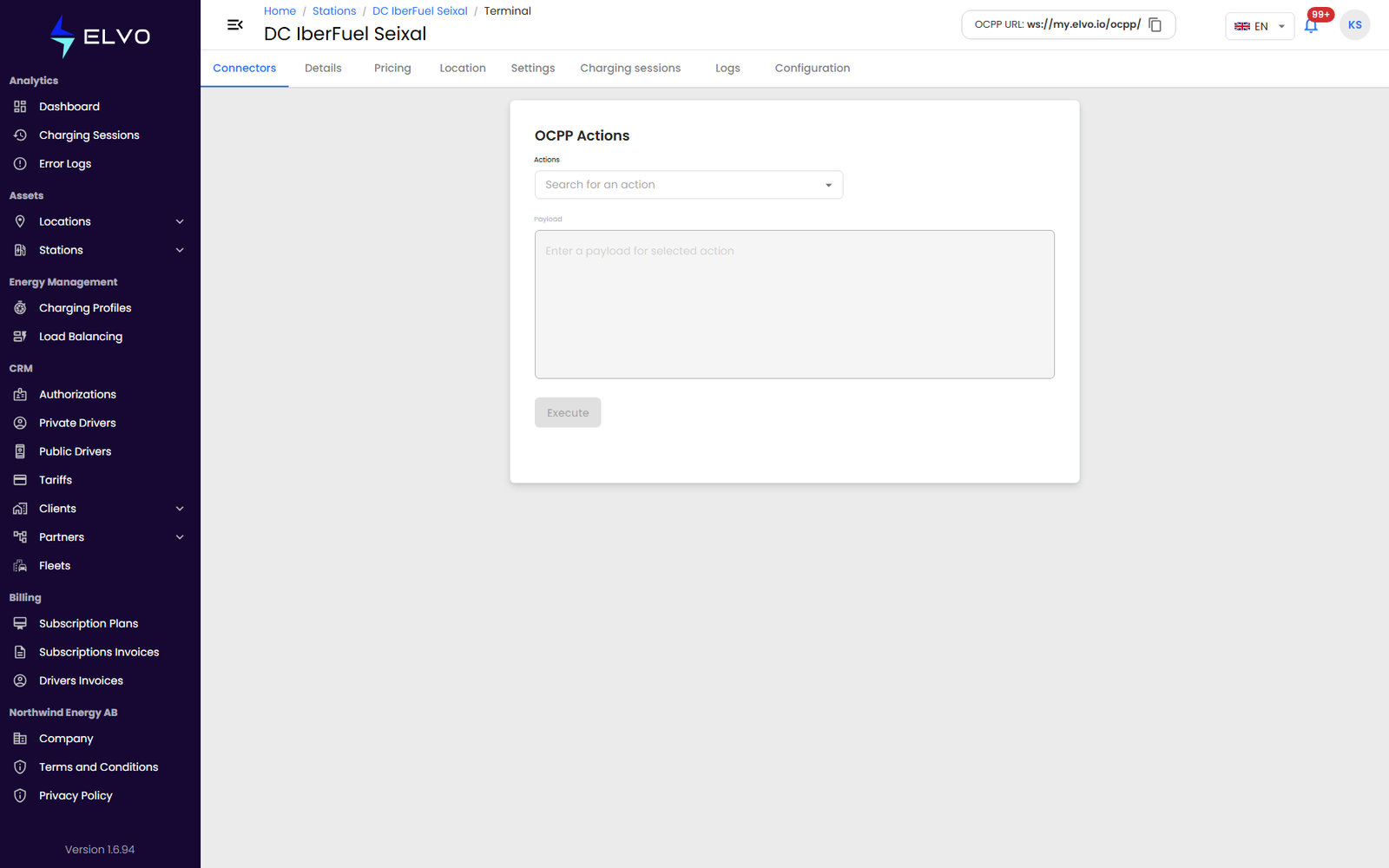
The Terminal tab is a live, command-line-style interface for sending raw OCPP actions directly to the station (see section 5.1 Accessing the advanced menu for how to reach a station’s tab bar). It is the most technical tool in this part, meant for Enterprise and Partner tier users who understand the OCPP actions they are sending.
Opening the tab loads the list of OCPP actions available for this station, each with its own parameter schema.
Sending a command
Select an action from the dropdown — the parameter form builds itself from that action’s schema. Fill in the parameters and click Execute. The platform sends the command to the station immediately, with no further confirmation step, so review the action and its parameters carefully before executing.
The response — success or failure, as raw JSON — appears in the result panel below the form.
Access
Access to Terminal is not currently restricted by your assigned role. Anyone who can open this station’s detail view can execute any available OCPP command here, regardless of their permissions elsewhere in the platform. Treat this tab with the same caution you would give direct access to the station’s control system.
If it fails
If the station is offline, the action list may still load from cache, but execution fails and the result panel shows an error. If the parameters you enter are invalid, the station or the platform rejects them and the result panel shows the rejection. This is the highest-risk tool in the platform: any command here reaches the station immediately, with no permission gating and no built-in confirmation step. The chatbot must never select an action or fill its parameters on its own inference — it must present the exact action name and parameters to the user and get explicit confirmation before calling this action.